Common TNREGINET EC Search Mistakes You Should Avoid 2026
If you’re using the TNREGINET portal to search for an Encumbrance Certificate (EC), it’s essential to get the details right to avoid delays or incorrect results. ECs are important documents used to verify property ownership and ensure that no legal claims, such as mortgages or loans, exist on the property. However, many users make simple mistakes while performing EC searches that can lead to frustration. In this article, we’ll highlight some common mistakes to avoid when searching for your Encumbrance Certificate (EC) on TNREGINET.
Entering Incorrect Property Details
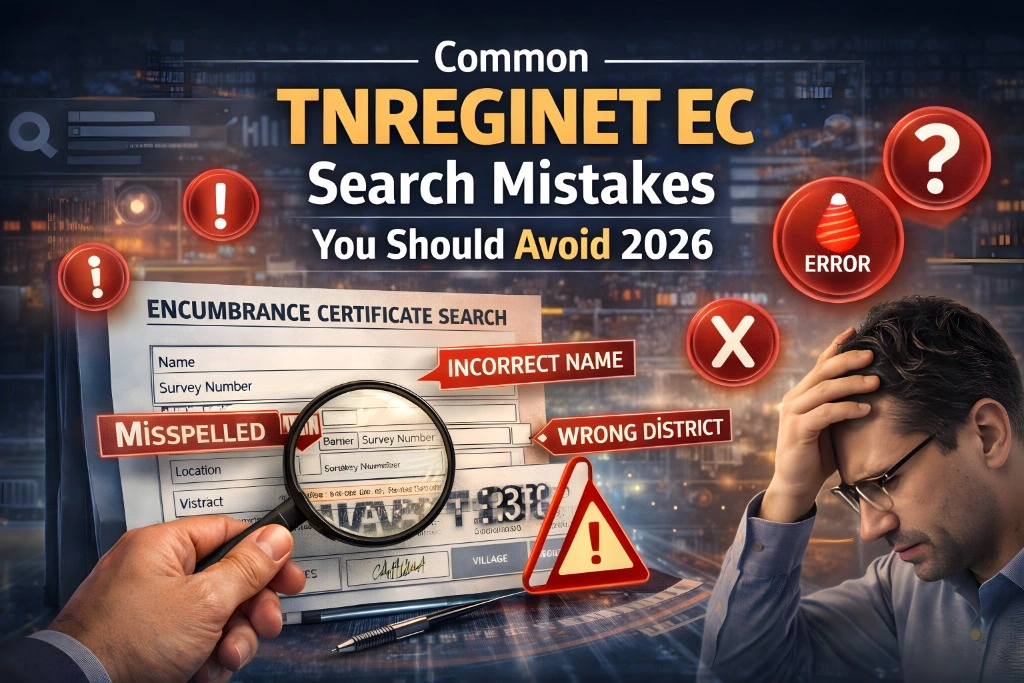
One of the most common mistakes people make when searching for an EC is entering incorrect property details. TNREGINET relies on exact information to retrieve property records, and even a small error can prevent the search from being successful.
What to avoid:
Wrong Survey Number: Make sure you enter the exact survey number of the property. Double-check the survey number from your sale deed or title deed.
Incorrect Sub-Registrar Office (SRO): Each property is registered under a specific Sub-Registrar Office (SRO). Ensure you choose the correct SRO corresponding to the property’s location.
Misspelled Village Name: The name of the village should match the official name exactly as it appears on property documents.
How to fix it:
You can also read:How to View EC for Properties Before Full Digitization 2026
Using the Wrong Date Range
When you’re searching for an EC, you’ll be asked to enter a date range for the transaction you’re looking for. One of the mistakes often made is choosing an incorrect date range, which can lead to incomplete results.
What to avoid:
Too Narrow Date Range: If you select a date range that is too short, you may miss out on important property transactions or encumbrances recorded before or after the selected period.
Overlooking the Year of Registration: If the property was registered several years ago, make sure to adjust the date range to include that year.
How to fix it:
Not Using the Correct SRO (Sub-Registrar Office)
Each property is associated with a specific Sub-Registrar Office (SRO) based on the location of the property. If you select the wrong SRO, the EC search won’t return accurate results.
What to avoid:
How to fix it:
If you’re unsure about which SRO handles your property, you can use the “Know Your Jurisdiction” feature on TNREGINET or refer to your property documents to identify the correct Sub-Registrar Office.
Failing to Verify the EC Details
Once you’ve found the EC, you may overlook verifying whether all the property details are correct, which can lead to misinterpretation or mistakes in your property transaction.
What to avoid:
Not Verifying the Owner’s Name: Always check if the owner’s name on the EC matches the one on your sale deed or property documents.
Overlooking Mortgage or Loan Details: Verify if there are any existing mortgages or encumbrances listed on the EC that were not disclosed to you.
How to fix it:
Not Using the Latest Version of the TNREGINET Portal
Another common mistake people make is not using the latest version of the TNREGINET portal or outdated browsers, which can lead to errors in searches or improper data display.
What to avoid:
Outdated Browsers or Devices: If you’re using an outdated browser or device, TNREGINET might not function properly, leading to errors or failed searches.
How to fix it:
Not Using the “Document Number” for Specific Searches
In addition to searching by survey number and village name, you can also search for an EC using the document number. Many users overlook this option, but it’s useful when you have a specific transaction in mind.
What to avoid:
How to fix it:
Assuming the EC Is Available Immediately After Registration
New property registrations don’t always appear immediately in the TNREGINET EC search. It can take several days or even weeks for the EC to be available, especially if the property is newly registered or if there is a backlog of records to be updated.
What to avoid:
How to fix it:
Not Understanding the EC Results
Once you’ve retrieved the EC, interpreting the results properly is crucial. Many users fail to understand the details or make incorrect assumptions based on the information presented in the EC.
What to avoid:
How to fix it:
FAQs
Final Words
By avoiding these common TNREGINET EC search mistakes, you can ensure that your property transaction goes smoothly. Whether you’re looking to verify property ownership, check for mortgages, or simply understand your Encumbrance Certificate, paying attention to these details will save you time and effort. Always double-check the property details, use the correct date range, and take the time to review the results thoroughly.