TNREGINET EC Search: Steps for Finding Old Property Records
If you are trying to do a TNREGINET EC search for old property records, the process can feel confusing. The good news is that the official TNREGINET portal already offers View/Download Encumbrance Certificate @ Free of Cost and a public Know Your Jurisdiction tool. The harder part is that very old property records may not always appear neatly online, especially when the property details are incomplete, the wrong SRO is selected, or the older data is not fully easy to trace in the portal search flow.
TNREGINET EC Search for Old Property Records
Yes, you can try searching old property records on TNREGINET, but older properties often need more care than recent ones. Start with the official free EC search, use the exact details from the old deed, confirm the correct SRO through Know Your Jurisdiction, and use a wide date range. If the record still does not appear, visiting the Sub-Registrar Office is often the next practical step for very old properties.
You can also read: Free EC vs Certified EC on TNREGINET: What’s the Real Difference?
Why old property records are harder to find
Old property records are usually harder to search because the details in old deeds may not match modern digital search fields perfectly. Recent TNREGINET guides point users toward exact matching of old document details, widening the date range, and switching search paths when records do not show. Separate reporting in 2023 said Tamil Nadu had issued orders to digitize records from 1950 to 1974, and reported that people were able to download EC from 1975 onward at that time, which helps explain why very old records may still be less straightforward online.
What details you should keep ready
Before you search for an old property EC, try to keep these details ready:
These details matter because TNREGINET search flows and certified-copy workflows rely heavily on document-specific and location-specific inputs, not just a name-only search.
How to search old property records on TNREGINET
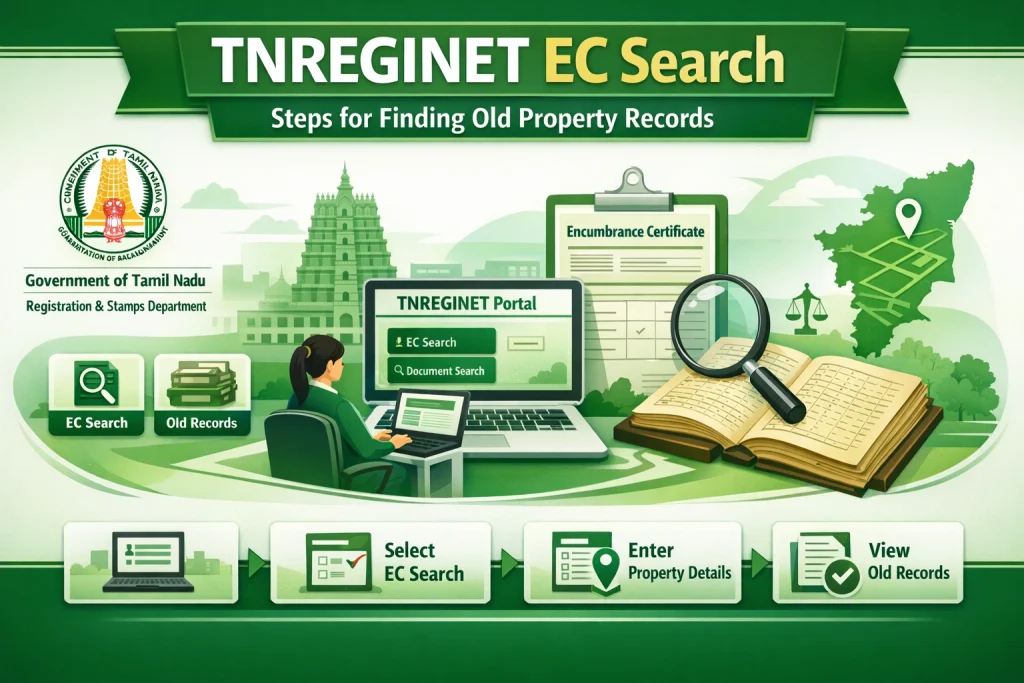
Step 1: Open the official TNREGINET website
Go to the official TNREGINET portal. The homepage clearly shows View/Download Encumbrance Certificate @ Free of Cost and Know Your Jurisdiction, which are the two most useful public tools for this task.
Step 2: Find the correct SRO first
If you are not fully sure about the Sub-Registrar Office, use Know Your Jurisdiction on the official portal. Choosing the wrong SRO is one of the biggest reasons old-property EC searches fail.
Step 3: Use the exact details from the old deed
Do not guess. Match the survey number, village name, document number, and year exactly from the old property paper. Recent guides on TNREGINET search issues specifically recommend matching the old document details exactly before trying again.
Step 4: Use a wider date range
When you search EC for an old property, keep the date range broad enough to cover the likely transaction period. Recent TNREGINET explainers say widening the search period is one of the most useful fixes when an EC shows no records or misses older entries.
Step 5: Try a different search route
If one method does not work, try another route using document details instead of relying only on property-name-based inputs. Recent TNREGINET troubleshooting content specifically recommends changing the search path when older properties do not show properly.
Step 6: Visit the SRO if the record still does not appear
If the property is old and the online search still fails, visiting the Sub-Registrar Office is often the best next move. Recent guides aimed at TNREGINET users recommend doing exactly that for old or not-fully-visible records.
Can TNREGINET show very old records online?
Sometimes yes, but not always in a smooth way. The official site does not clearly state on its homepage the exact starting year for searchable EC records, so it is safer not to assume every very old record will appear online immediately. At the same time, separate reporting says Tamil Nadu moved to digitize records from 1950 onward, which suggests older coverage has been an active state effort, even if users still face practical gaps in search results.
Best tip for old-property EC search
Start with the old deed, not memory. Many failed searches happen because people only know the owner name or approximate location. For older properties, exact deed details and the correct SRO matter much more than rough information. The official portal’s layout itself supports this approach by pairing EC search with jurisdiction lookup.
FAQs
Final Words
So, if you want to do a TNREGINET EC search for old property records, the best method is simple: use the official TNREGINET portal, find the correct SRO first, enter the old deed details exactly, widen the date range, and try another search route if needed. If the property is very old and still does not show, go to the Sub-Registrar Office with the old documents instead of assuming the property has no record.