TNREGINET Portal Guide for First‑Time Users Update (2026)
If you are using the TNREGINET portal for the first time, it can feel confusing. You may need property records, Encumbrance Certificates (EC), guideline values, document downloads, or details about land registration. TNREGINET is the official government portal of Tamil Nadu Registration and Stamps Department that allows you to do all of this online.
This guide shows you exactly how to use TNREGINET step by step, what each section means, and how to avoid common problems first‑time users make.
What TNREGINET Is
TNREGINET is an online service that makes it easier to:
You don’t need to visit a government office in person. Most tasks can be done from your computer or phone.
You can also read: TNREGINET SRO and Jurisdiction Check Guide Update (2026)
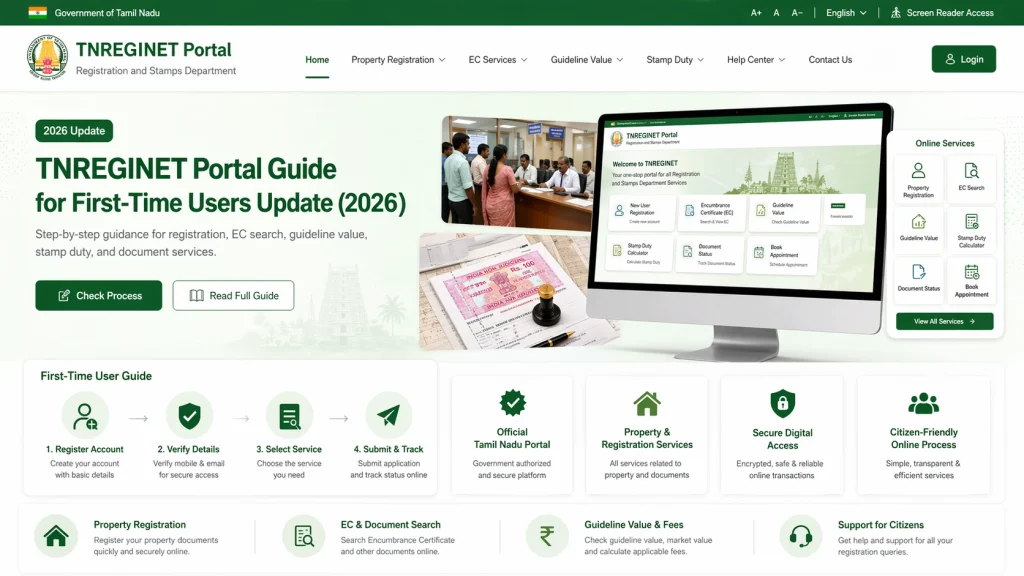
How to Open TNREGINET for the First Time
Open a web browser on your computer or phone.
Go to the official TNREGINET portal.
If the page opens in Tamil, switch to English using the language option at the top.
Now you will see the main menu with options like:
Create an Account or Continue as Guest
You can use many features on TNREGINET without logging in, but for certain tasks (like downloading certified documents), you may need registration.
To create an account:
Once you log in, you can access more options like downloading certified PDF documents.
How to Know Your Property’s Jurisdiction
Before searching any records, you must know:
If you enter the wrong jurisdiction, TNREGINET may not find your records.
To find this:
Go to Know Your Jurisdiction on the portal.
Enter details like district, village, survey number (if available).
Submit to view the correct SRO and jurisdiction for your property.
Once you know the correct jurisdiction, you can use it in other searches.
How to Search Encumbrance Certificate (EC)
Encumbrance Certificate shows the history of property ownership and loans on the property.
To search EC:
You will see the results. You can view and download the EC if needed.
How to Check Guideline Value
Guide values are the minimum property values used for stamp duty and registration.
To check:
This helps you estimate how much stamp duty and registration may cost.
How to Search Documents
If you want to find a registered sale deed or document:
You will see a list of matching documents and basic details.
How to Download Property Documents
Some documents can be downloaded as PDF certificates. For this:
Follow the on‑screen instructions to download and save your document.
Common Problems First‑Time Users Face
Wrong Jurisdiction
If you choose the wrong district or SRO, the portal might show no result even if your property exists.
Captcha or Loading Issues
Sometimes captcha doesn’t load. Refresh the page and try again.
Dropdown Lists Not Working
If village or taluk lists don’t show, refresh or switch browsers.
Incomplete Property Details
Always have your property documents (patta, deed, or survey number) available before searching.
Tips for a Smooth Experience
Always double‑check the district, taluk, and SRO before searching.
Use official property documents for accurate inputs.
Use a desktop or laptop browser for better dropdown support.
Refresh the page if dropdown fields don’t load correctly.
Contact your local Sub‑Registrar Office if you get stuck.
FAQs
Final Words
TNREGINET is a powerful tool for property and land records in Tamil Nadu. For first‑time users, the key is understanding how jurisdiction works, and entering accurate details before searching. With careful inputs and this step‑by‑step guide, you can find ECs, guideline values, documents, and more without confusion.
Once you get used to the interface, it becomes easy and reliable for all your property record needs.