Can TNREGINET EC Show All Mortgages on Property 2026?
If you’re in the process of buying or selling property in Tamil Nadu, understanding the Encumbrance Certificate (EC) is key. An EC is an official document issued by the government that lists any legal liabilities or claims (like mortgages or loans) attached to a property. It plays a crucial role in confirming that the property is free of legal disputes before it’s bought or sold.
But what exactly does the EC on the TNREGINET Portal show? Does it provide information on all mortgages or financial claims associated with the property? Let’s explore.
What Is an Encumbrance Certificate (EC)?
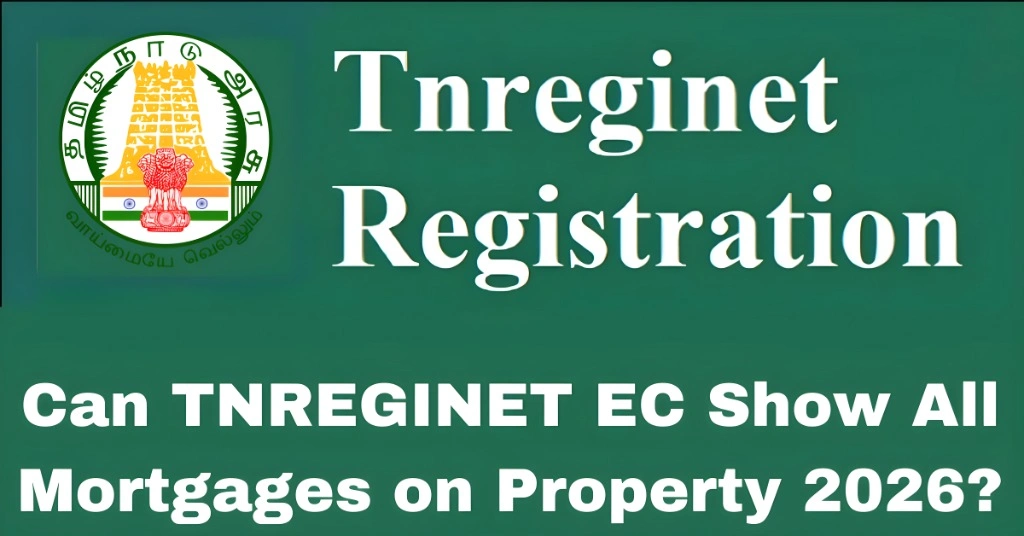
An Encumbrance Certificate (EC) is a document that certifies that the property in question is free of legal encumbrances, such as mortgages, liens, or disputes. It acts as proof that the property title is clear for transactions like property registration, loan applications, and property sales.
The TNREGINET Portal allows you to view and download your Encumbrance Certificate for properties in Tamil Nadu. It’s a vital document when buying a property, as it ensures that the property is free of any legal claims or financial dues.
You can also read: Understanding TNREGINET’s Guideline Value for Rural Areas
Does TNREGINET EC Show All Mortgages on Property?
Yes, EC Shows Mortgages Registered on Property
The Encumbrance Certificate from TNREGINET will show details of mortgages or loans that have been officially registered against the property. These records will include:
The EC is based on records from the sub-registrar office and only includes mortgages or loans that have been officially recorded.
Limitations: Only Registered Mortgages Appear
It’s important to note that the Encumbrance Certificate only shows mortgages that have been officially registered with the Tamil Nadu Registration Department. If there is a mortgage or loan that has been informally arranged or is not recorded with the registration authority, it will not appear in the EC.
In simple terms, only mortgages that are legally registered and recognized by the government will be included in the EC.
How to Check Mortgages on a Property Using TNREGINET EC?
Checking the Encumbrance Certificate for a property to verify if it has any registered mortgages is easy. Here’s how you can do it:
Step 1: Visit the TNREGINET Portal
Go to the official TNREGINET Portal (www.tnreginet.gov.in).
Step 2: Log In to Your Account
If you already have an account, log in with your username and password. If you don’t have an account, you can create one.
Step 3: Choose the “EC View” Option
After logging in, select the “EC View” option from the main menu. This section allows you to search for Encumbrance Certificates of properties.
Step 4: Enter Property Details
To find the EC, you will need to enter details about the property, such as:
Make sure the information is accurate to get the correct EC details.
Step 5: Choose the Time Period for EC
You can choose the time period for which you want to view the Encumbrance Certificate. Typically, EC details show records from the last 30 years, but you can adjust the dates to see historical records.
Step 6: Check for Mortgages
Once you’ve entered the details and selected the date range, click “Search”.
The portal will show you the Encumbrance Certificate, which will include information about:
Step 7: Download or Print the EC
After viewing the EC, you can download or print the certificate. This will provide you with an official record of the property’s encumbrances, including any mortgages.
What if the EC Does Not Show Mortgages?
If the EC does not show any mortgages or legal claims, it means that no registered mortgages are attached to the property. However, keep in mind that this only applies to officially registered mortgages.
If you suspect there might be an unregistered mortgage (i.e., a loan that was not recorded with the government), here’s what you can do:
If you’re concerned about potential mortgages or loans on the property, contact the bank or financial institution where the loan might have been taken. They will have information on whether the property has a lien or financial claim.
If you still have doubts, you can visit the local sub-registrar office or Seva center for more detailed information regarding unregistered encumbrances or mortgages.
FAQs
Final Words
The TNREGINET EC provides a detailed and official record of mortgages and other encumbrances that have been legally registered against a property. It’s a crucial document for buyers, sellers, and financial institutions, as it helps ensure that the property is free from legal issues and is eligible for transactions like loans and registration.
However, remember that the EC will only show registered mortgages. If the property has unregistered mortgages, they won’t appear in the certificate. In such cases, always verify with the lender or local authorities to ensure the property is free of hidden liabilities.