2026 TNREGINET EC vs EC Download: What’s the Difference?
When using the TNREGINET portal to access your Encumbrance Certificate (EC), you may come across two options: EC View and EC Download. Both are crucial to the property registration process, but they serve different purposes. In this article, we’ll explain the key differences between viewing and downloading the EC on TNREGINET, so you can understand when and why to use each option.
What is EC View?
EC View: What It Shows
The EC View option allows you to see the Encumbrance Certificate for a property online without downloading a copy. It provides a digital preview of the EC document, which includes important details like:
The EC View option is useful for a quick check when you want to know if a property has any legal claims or ownership history. It’s completely free, and you can view it as many times as needed. However, this version is not officially certified and cannot be used for legal or official purposes.
When to Use EC View
Preliminary Search: If you just want to confirm whether a property has any encumbrances before proceeding with a purchase.
Quick Check: When you need to verify the ownership or transaction history but don’t need an official certificate for legal use.
No Legal Requirements: When you just need to review the document for personal use or preliminary investigation.
You can also read: What Does the EC Show on TNREGINET 2026? Explained Simply
What is EC Download?
EC Download: What It Provides
The EC Download option allows you to download the certified version of the Encumbrance Certificate for official use. Once you’ve viewed the EC and verified the details, you can opt for downloading a certified copy of the EC, which is typically needed for:
The downloaded EC is a formal, legally recognized document, which may require payment for certification. This document carries official validity and can be submitted to authorities, financial institutions, or legal entities.
When to Use EC Download
Official Purposes: If you need the document for property transactions, applying for loans, or submitting to government authorities.
Final Documentation: When you need to submit proof that the property is free from encumbrances or that you have settled any financial obligations on the property.
Certified Copy: If you need a legally recognized version of the EC to prove the property’s legal status in official matters.
Key Differences Between EC View and EC Download
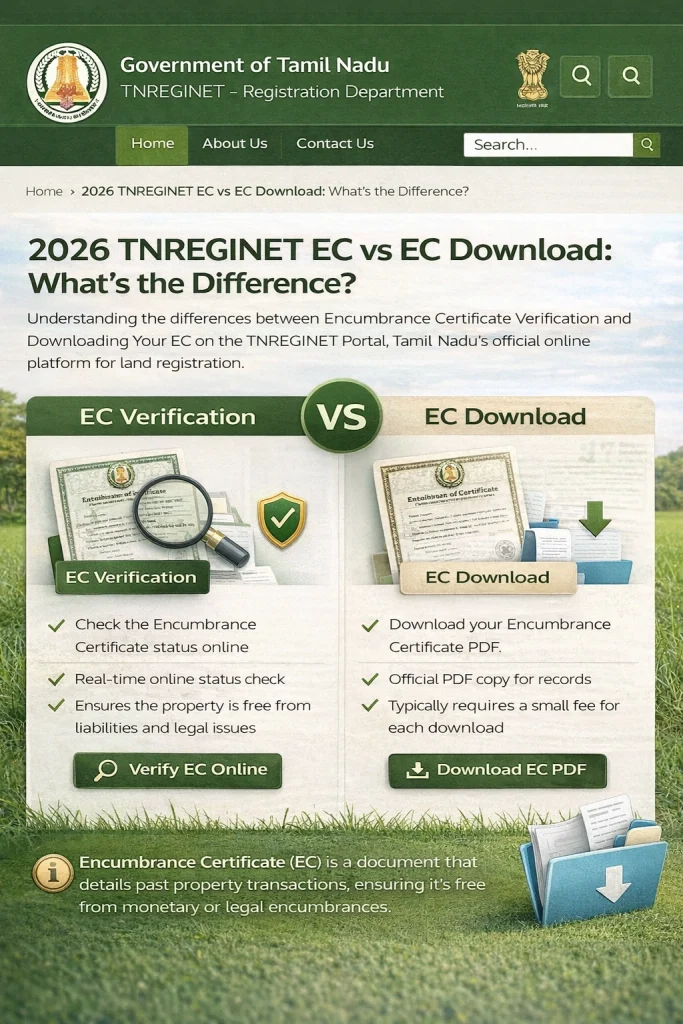
| Feature | EC View | EC Download |
|---|---|---|
| Purpose | To view the EC details online | To download the certified EC copy for official use |
| Certification | Not certified for legal use | Official, certified copy for legal purposes |
| Cost | Free | Requires a fee for certification |
| Usage | Personal or preliminary verification | Used for official transactions and legal matters |
| Access | Immediate, online access | Available after payment and official request |
| Legality | Not valid for legal purposes | Valid for legal purposes, including property transactions |
When Should You Use EC View vs EC Download?
Use EC View if:
Use EC Download if:
You need the official document to proceed with property transactions.
You need the certified copy for legal use, such as applying for loans or submitting documents to government authorities.
You require a verified version of the EC to prove the property’s status in legal or financial matters.
FAQs
Final Words
The difference between EC View and EC Download on TNREGINET is significant, especially when it comes to the legality and official use of the document. While EC View is great for a quick check and personal verification, the EC Download provides an official certified copy that is necessary for any formal transactions or legal matters.
By understanding when to use each option, you can ensure that you’re using the right document for the right purpose, whether you’re buying a property, applying for a loan, or confirming the legal status of your land.