How to Correctly Search for EC Without Full Property Info
Searching for an Encumbrance Certificate (EC) on TNREGINET without having complete property details can be tricky, but it is still possible! Sometimes, you may not have access to all the property information, like the full survey number or document number, which are crucial for a typical EC search. Don’t worry though—there are still ways to perform a successful EC search with limited information.
In this article, we’ll guide you through the process of searching for an EC without full property details, and share tips to help you get accurate results.
How to Search for EC with Limited Property Details
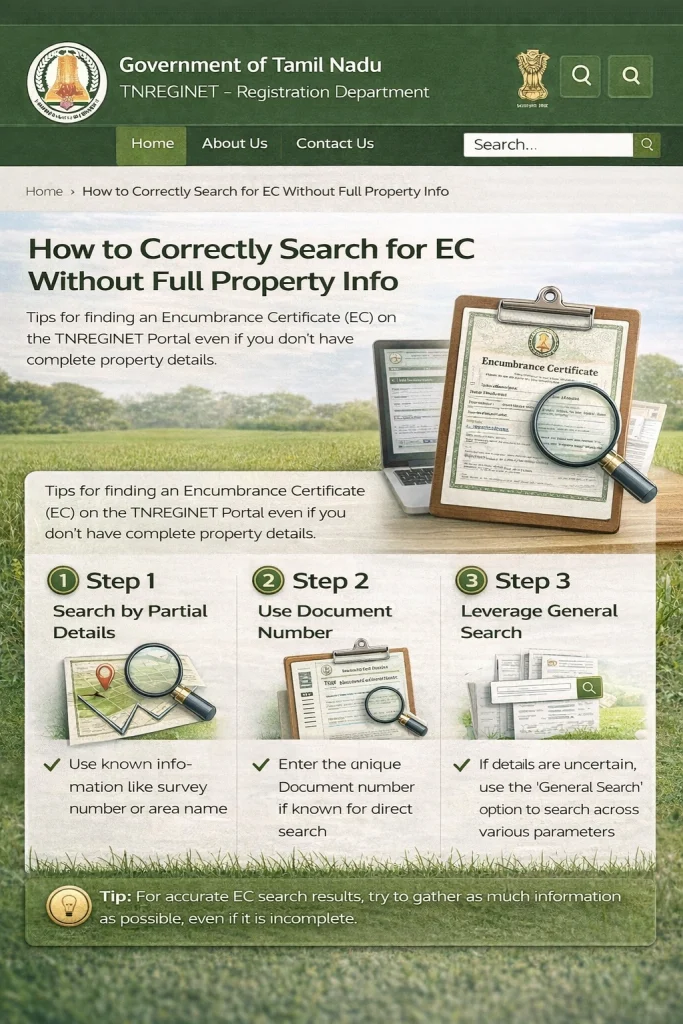
Use Document Number (If Available)
If you don’t have the survey number, but you do have the document number (e.g., sale deed number or registration number), you can still search for the EC. The document number is linked to the official property transaction and can be used to retrieve the EC.
Steps:
Even if you don’t have the full survey number, the document number will help you pull up the property’s EC details.
Try Using General Property Information
If you don’t have the document number or survey number, try searching with any general property information you do have, such as:
Property address or locality: Sometimes you can narrow down your search by knowing the area or locality where the property is located.
District and Sub-Registrar Office (SRO): You can search using the district and the corresponding SRO (Sub-Registrar Office) to find records for properties within that region.
Steps:
Go to the TNREGINET portal and select EC View.
Choose General Search or Survey Number Search.
Enter the district and sub-registrar office (SRO) details.
Input any other available information like the property address or locality.
Calculate and pay stamp duty online, eliminating long queues and treasury visits.
If you’re unsure about the exact district or SRO, check your property tax records or consult with the local authorities to help identify this information.
Search with a Wide Date Range
When you don’t have the exact transaction date or time frame for the EC search, try using a wide date range to increase the chances of finding the property’s EC.
For example:
Set the start date to 01-01-1970 (or a similar early year).
Set the end date to the current year (or the latest available year).
This method will help if you’re unsure about when the property was registered or when the transactions took place.
Steps:
By expanding the search window, you increase the likelihood that the system will find relevant EC records.
Contact the Local Sub-Registrar Office (SRO) for Help
If you’ve tried the methods above but still can’t find the EC, you may need to contact the local Sub-Registrar Office (SRO). The SRO maintains the property’s registration records, and they may be able to help you retrieve the EC, even if you don’t have the full property details.
They can assist you with:
You can visit or contact the SRO and request assistance. If possible, try to provide any available information you have (address, approximate date of transaction, etc.) to help them locate the EC more easily.
You can also read: 2026 TNREGINET EC vs EC Download: What’s the Difference?
Tips for Searching EC Without Full Property Information
Always Double-Check Available Documents
Before starting your EC search, check if you have any property-related documents that could help, such as:
These documents may provide missing information like the survey number, document number, or even transaction date.
Use Local Property Knowledge
If you’re unfamiliar with the property, talk to the local authorities, property agents, or neighbors who might have information about the property, its ownership history, or details that can help you search more effectively on TNREGINET.
Consult a Lawyer or Property Expert
If you’re still facing difficulty, consider consulting a lawyer or property expert. They can help you track down the required information, especially if you’re dealing with complicated property records.
FAQs
Final Words
Although searching for an Encumbrance Certificate (EC) on TNREGINET without full property details can be challenging, it’s not impossible. By using alternative search methods, such as searching with the document number, district, SRO, or a wide date range, you can still find the EC you need.
If all else fails, don’t hesitate to contact the Sub-Registrar Office for assistance—they can help you track down the correct property records. With the right approach and a bit of effort, you can access the EC even without complete property details.