How to Download Guideline Value Certificate from TNREGINET
If you’re planning to buy or register property in Tamil Nadu, one of the first things you need is the Guideline Value Certificate. This certificate shows the official minimum value the government assigns to land or property in your area. It’s essential for calculating stamp duty and registration charges before you legally register the property.
Luckily, you can get this certificate online through the TNREGINET Portal — so you don’t have to stand in long queues or visit government offices.
Here’s the easy way to do it.
What Is a Guideline Value Certificate?
The Guideline Value Certificate is a document that tells you the official minimum value of land or property in a specific area. It’s fixed by the Tamil Nadu government and used for:
Calculating stamp duty when you register property
Understanding the official valuation for legal purposes
Comparing with actual market rates
This certificate is updated periodically and can be downloaded directly from TNREGINET.
You can also read: How to Correctly Search for EC Without Full Property Info
Step‑by‑Step Guide to Download the Certificate
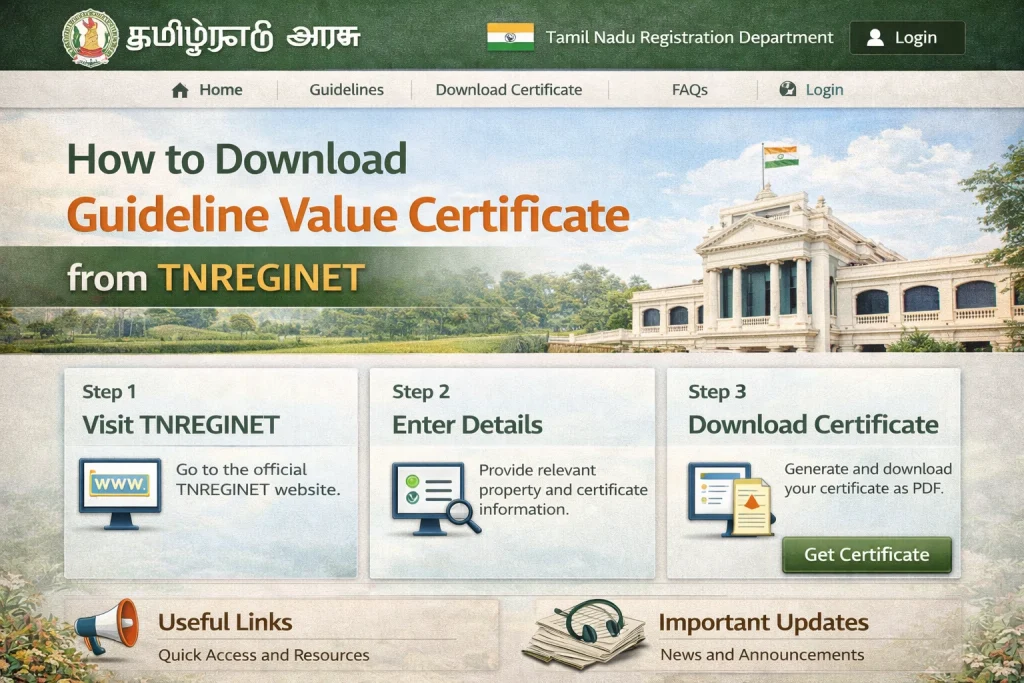
Open the TNREGINET Portal
First, go to the official TNREGINET website in your browser.
This is the government platform for property and registration services in Tamil Nadu.
Log In (If Required)
If you already have an account, log in using your username and password.
Tip: Registered login is usually needed to access value certificates and downloads.
If you don’t have an account, you can still check the guideline value but for certificate download, it’s better to log in.
Go to “Guideline Value”
On the portal homepage, click the Guideline Value option.
This will open the guideline search section where you can look up the value for your property area.
Enter Property Details
Fill in the details as asked:
Make sure you enter them exactly as they exist in records — small spelling mistakes can affect the search.
Select the Guideline Value Date
Choose the valuation period from the dropdown — for example, “From 01‑07‑2024” for the latest values.
This tells the portal which year’s guideline value you want.
Search for Guideline Value
After entering the details, click Search.
The portal will show the guideline value per unit area (like per square ft or square metre) for your property.
This number is what the government uses as the minimum value for property sale and registration.
Download or Print the Certificate
Once the guideline value appears on the screen, look for the Download or Print button.
Most versions of the TNREGINET portal allow you to:
If the option is visible, click it and save the certificate to your device.
Tip: After downloading, save a copy in your phone or email so you always have it ready when needed.
Tips That Make It Easier
Use Chrome or Firefox: These browsers work best with TNREGINET.
Check Spelling Carefully: Street and village names must match official records.
Capture a Screenshot: If the download button doesn’t appear, take a screenshot of the guideline value result page and print it.
Off‑Peak Hours: Try early morning or late evening if the portal feels slow.
Why This Certificate Matters
Getting the guideline value certificate isn’t just a formality. It helps you:
Know exactly how much official value you must use when paying stamp duty
Avoid paying extra or facing legal complications later
Get clarity, especially when buying property for the first time
All of this can be done online — no need to visit the Sub‑Registrar Office in person.
FAQs
Final Words
Downloading your Guideline Value Certificate from TNREGINET doesn’t need any special skills. Just follow the steps — enter your property details, search, and download.
Think of it like checking a scorecard — once you input the right information, the result appears clearly. This little certificate can make your property process much smoother and legally clean.
If you want, I can also help with how to calculate stamp duty using this value or how to check your guideline value on mobile