EC Validity Issues Explained: What You Need to Know (2026)
If you’ve downloaded your Encumbrance Certificate (EC) from TNREGINET or obtained it for property verification, you might have noticed banks or legal authorities sometimes question its validity. Understanding EC validity issues can save you from delays in property deals, bank approvals, or legal processes.
What Is EC Validity?
The validity of an EC refers to how long it is considered legally acceptable and accurate by banks, financial institutions, or government authorities.
EC is a time-sensitive document because:
Example: If you downloaded an EC six months ago and a new mortgage was registered last month, the older EC will no longer be valid for bank submission.
You can also read: EC Shows “No Encumbrance Found”? What to Do Update (2026)
Common EC Validity Issues
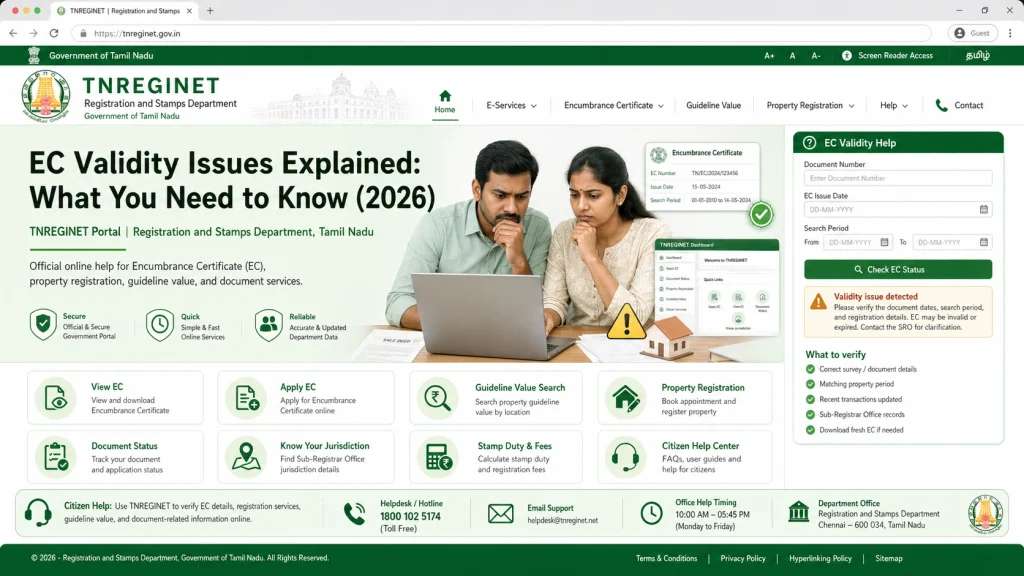
Outdated EC
- An outdated EC is a common reason banks reject documents.
- Banks often require ECs issued within the last 3–6 months.
- For ongoing transactions, an older EC may not include recent property transfers, liens, or mortgages.
- Always check the issue date before submitting to banks or legal authorities.
- Tip: Download a fresh EC before every property deal or bank submission.
Short Date Range Selected
- Many users make the mistake of selecting a narrow date range when generating ECs.
- Example: Downloading EC for only the last 1–2 years when the bank needs 13–30 years of history.
- This causes EC to appear incomplete or “not valid” for official purposes.
- Tip: Always select a wider date range, especially if the property has been transferred multiple times.
Missing Digital Signature or Certification
- Banks and authorities require digitally signed ECs.
- A plain PDF or printout without a digital signature is not valid.
- The digital signature ensures authenticity and confirms that TNREGINET has verified the EC.
- Tip: Check for a signature icon or certification section at the bottom of your EC PDF.
Errors in Property Details
- Minor mistakes can make your EC invalid:
- Incorrect survey number, plot number, or owner name.
- Wrong SRO (Sub-Registrar Office) selected during EC download.
- Typing errors in dates or property location.
- Tip: Always cross-verify property details with official property documents before generating EC.
Incomplete Online Records
- Older properties or rural land may not be fully digitized.
- Newly registered transactions may take time to appear online.
- Some banks may reject ECs missing historical transactions.
- Tip: Visit the SRO if your property is old or records are missing online to request a certified EC copy.
How to Ensure Your EC Is Valid
Check Digital Signature – Make sure it is certified.
Select Full Date Range – Include all historical transactions.
Verify Property Details – Survey number, plot number, and owner name must be accurate.
Download Recent ECs – Ideally issued within the last 3–6 months.
Contact Sub-Registrar Office – For missing records or old properties, request a certified copy.
Cross-Check With Bank Requirements – Some banks may require EC covering a specific number of years.
Quick Tips for Property Owners
How EC Validity Affects Property Loans
Practical Steps to Avoid EC Rejection
FAQs
Final Words
EC validity is crucial for smooth property verification, bank approvals, and legal procedures. Always ensure your EC is recent, digitally signed, complete, and accurate.
Following these practical steps will prevent rejection, save time, and make property transactions hassle-free.