TNREGINET SRO and Jurisdiction Check Guide Update (2026)
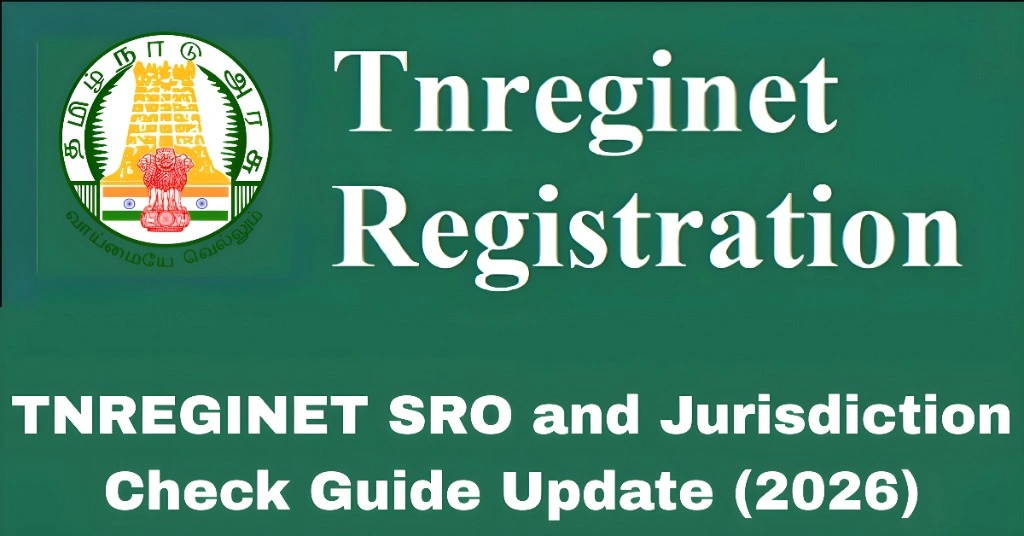
If you are using TNREGINET, the official Tamil Nadu Registration portal, one of the key things you must understand is SRO and Jurisdiction. SRO stands for Sub‑Registrar Office, and each property in Tamil Nadu is linked to a specific SRO based on location.
Knowing the correct SRO and jurisdiction before searching for Encumbrance Certificates (EC), guideline values, document details, or other property records will save time and stop errors on the portal.
This guide shows you how to check SRO and jurisdiction on TNREGINET in a simple, step‑by‑step way.
What is an SRO and Why It Matters
An SRO (Sub‑Registrar Office) is the government office where property registrations, sale deeds, and other legal land records are officially recorded.
Every property belongs to a specific SRO jurisdiction based on where the land is situated. If you choose the wrong SRO during search, TNREGINET will not return results or may show records for a different place.
Knowing the correct SRO and jurisdiction helps you find:
You can also read: How to Search EC Without Full Survey Number on TNREGINET 2026
How to Identify the Correct SRO for Your Property
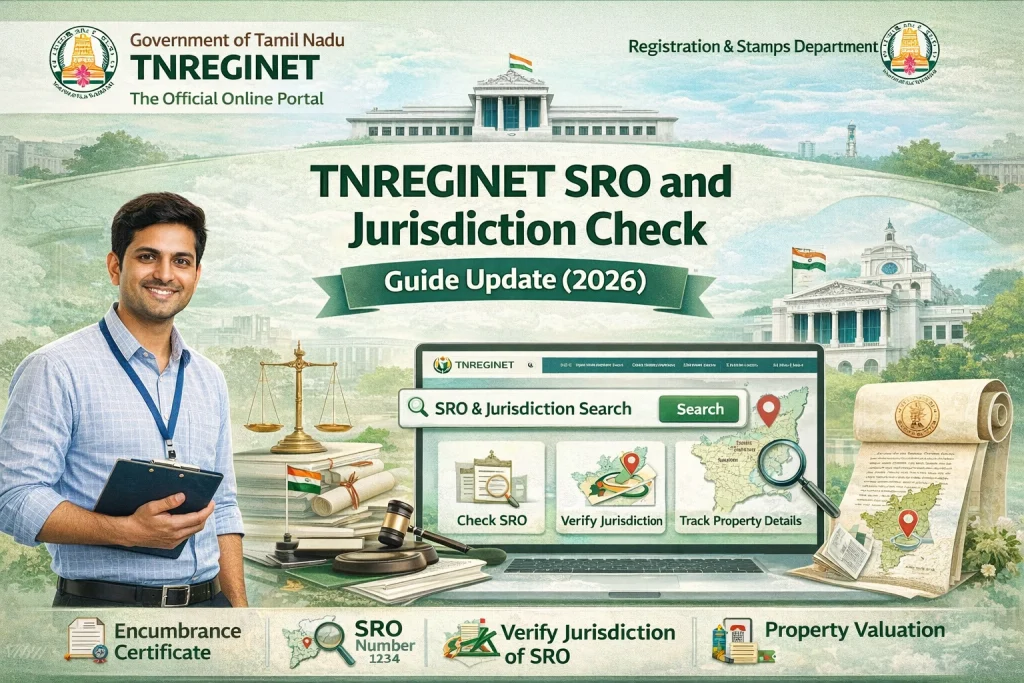
Here are the steps to check SRO and jurisdiction before using TNREGINET:
Gather Property Details
Get the basic information of the property from your deed, patta, or survey document:
These details help you find the right SRO.
Use the District and Taluk Details
In TNREGINET, SROs are grouped under districts and taluks.
Always begin with:
This will filter the list of SROs that serve your area.
Check the SRO List
Once you select district and taluk, TNREGINET displays all SROs in that region.
Review the list and pick the one where your property should legally fall.
If you are unsure:
Ask the local Sub‑Registrar Office or Village Administrative Officer.
Check the patta document — it often mentions the SRO jurisdiction.
Verify Jurisdiction Before Search
Before you run any property search, make sure:
This ensures search results are accurate.
What Happens When SRO Jurisdiction is Incorrect
If you select the wrong SRO while searching on TNREGINET:
How to Confirm Your Property’s SRO
Here are ways to confirm the correct SRO for your property:
Check Sale Deed or Patta
Your official sale deed or patta normally lists the SRO name and jurisdiction. This is the easiest and most reliable source.
Visit the Local SRO Office
If documents don’t clearly say the SRO:
Ask a Local Advocate or Property Agent
Property lawyers and agents work with these searches regularly. They often know which SRO covers which area.
Jurisdiction Tips That Help You Avoid Errors
Here are practical tips to ensure your TNREGINET searches always return results:
Always start with District, then Taluk, then SRO
If dropdown lists are long, use search filters or type to filter
Double‑check spelling and region choices
Save or note down the SRO jurisdiction once you confirm it so you use it consistently
FAQs
Final Words
Checking the correct SRO and jurisdiction is one of the first and most important steps when using TNREGINET. It ensures that you get the right Encumbrance Certificates, guideline values, and document searches without unnecessary errors.
By confirming your district, taluk, and SRO before you start, you save time and frustration. If you are ever unsure, refer to your property documents or ask at the Sub‑Registrar Office.
With these steps, finding property records on TNREGINET becomes a smooth and predictable process.