Verify TNREGINET Certificate Online Instantly (Update 2026)
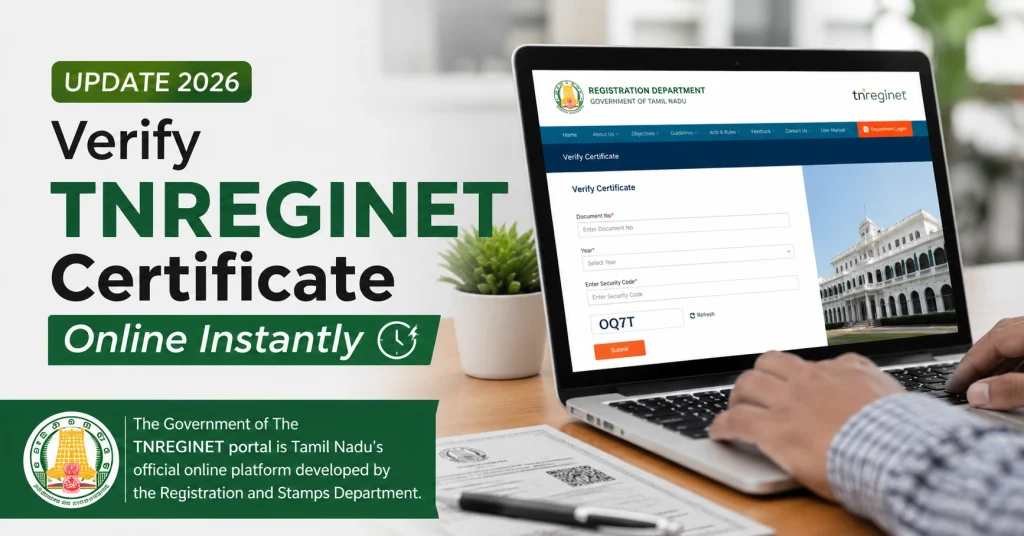
When dealing with property transactions in Tamil Nadu, verifying certificates is essential to ensure authenticity. TNREGINET allows citizens to check property-related documents like Encumbrance Certificates (EC), certified copies, sale deeds, and other registrations online instantly.
Instant verification helps buyers, banks, and property owners avoid fraud, confirm property ownership, and check the validity of documents before proceeding with transactions.
This guide explains how to verify TNREGINET certificates online, common mistakes to avoid, and tips to ensure successful verification.
What Certificates Can Be Verified Online?
Using TNREGINET, you can verify the following documents online:
| Certificate Type | Can Verify Online? | Notes |
|---|---|---|
| Encumbrance Certificate | Yes | Confirms registered transactions and encumbrances |
| Certified Copy | Yes | Confirms authenticity of document copy |
| Sale Deed | Yes | Verifies registration and owner details |
| Registration Documents | Yes | Confirms registration and approval |
| Patta/Revenue Records | Partial | May need additional verification at local office |
Why Verify TNREGINET Certificates?
Verification is critical because:
Instant online verification saves time and avoids unnecessary visits to the Sub-Registrar Office.
You can also read: TNREGINET Nil EC Meaning: Is Property Safe? (Update 2026)
Step-by-Step Guide to Verify TNREGINET Certificate Online
Step 1: Open TNREGINET Portal
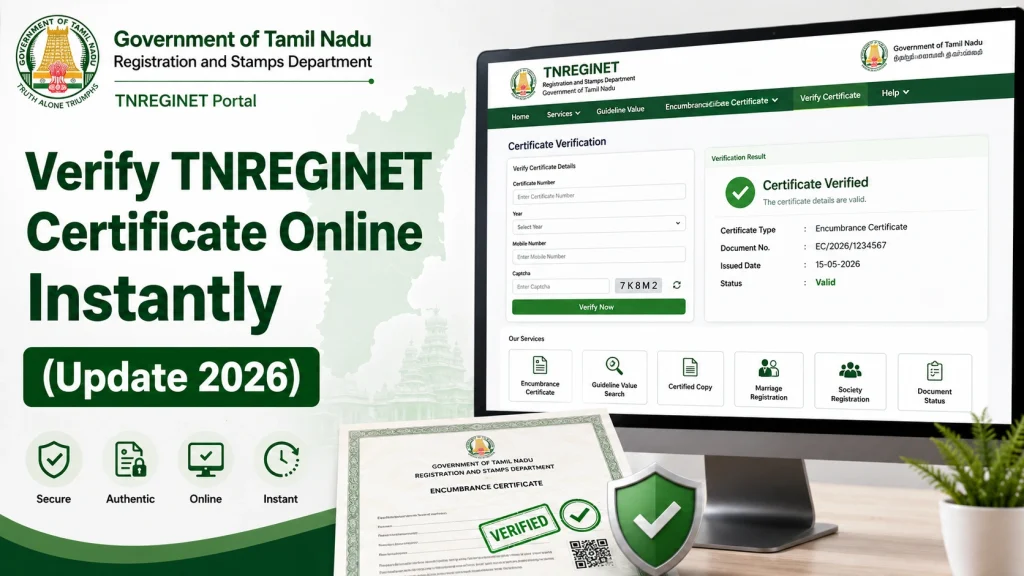
Go to the official TNREGINET website.
Step 2: Navigate to Verification Service
Click E-Services → Certificate Verification or Verify Certificate.
Step 3: Enter Certificate Details
Provide the following details exactly as on the certificate:
Step 4: Submit Details
Click the Verify button. The portal will instantly check the certificate against the official records.
Step 5: View Verification Results
The system will display:
Step 6: Download Verification Report (Optional)
Some certificates allow you to download an instant verification report for record-keeping or bank submission.
How to Read Verification Results
| Field | What It Means |
|---|---|
| Valid/Invalid | Confirms authenticity |
| Owner Name | Verified registered owner |
| Survey Number | Matches property registration |
| Document Number | Confirms the document exists |
| Registration Date | Date of official registration |
| Certificate Type | Confirms type of issued certificate |
A Valid status indicates the certificate is officially registered and recognized by TNREGINET. An Invalid status may indicate a wrong certificate number, unregistered document, or tampering.
Common Mistakes While Verifying TNREGINET Certificates
| Mistake | How to Avoid |
|---|---|
| Entering wrong SRO | Use TNREGINET SRO Finder to confirm the correct office |
| Typing incorrect certificate number | Double-check the certificate number on the document |
| Short date range | Use the full registration year or date range mentioned on the certificate |
| Using outdated browser | Use Google Chrome, Firefox, or Edge |
| Downloading unapproved certificates | Verify the certificate has Approved status before verification |
Tips for Successful Certificate Verification
Why Instant Online Verification Is Better
FAQs
Final Words
Verifying TNREGINET certificates online instantly ensures that property documents are authentic and legally valid. Always use accurate certificate details, check the SRO, and confirm that the certificate status is Approved.
Regular verification helps buyers, sellers, and banks prevent fraud, confirm ownership, and speed up property transactions. Keeping a record of verification results adds an extra layer of safety when dealing with property documents in Tamil Nadu.