TNREGINET EC Not Showing? Fix It Fast Update (2026)
Trying to check your Encumbrance Certificate (EC) on the TNREGINET portal and nothing shows up? That can be frustrating, especially if you need the EC for a property deal, bank loan, or legal check. Here is how to fix it quickly.
What Is EC and Why It Matters
An Encumbrance Certificate (EC) is a government document that shows all registered transactions, like sale deeds, mortgages, or gifts, for a property over a time period. If it says nil encumbrance, it means the property is free from legal claims.
You need EC when:
You can also read: How to Find Village Code on TNREGINET (Step-by-Step Guide)
Why Your EC Is Not Showing
Here are the main reasons TNREGINET does not display your EC:
Wrong Details Entered
Even a small typo in the survey number, district, or date range can cause the portal to return no results.
Incorrect Search Type
TNREGINET lets you search by survey number, document number, or plot number. Choosing the wrong type often returns no data.
Old or Non-Digitized Records
Some very old records may not show up online.
Server Glitches or Heavy Traffic
Sometimes the site has temporary problems or slower responses during peak usage.
Easy Fix Steps
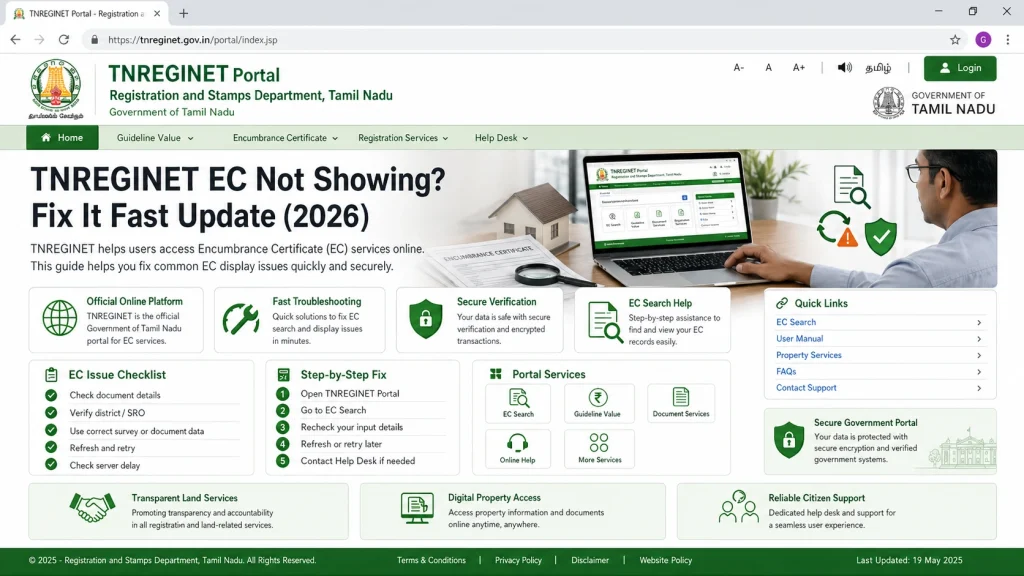
Here is how to make your EC show up fast:
Check Every Detail
Double-check survey number, zone, district, Sub-Registrar Office, date range, and captcha code.
Tip: Try typing the details freshly instead of copy-paste.
Use a Wide Date Range
If nothing shows, extend the period from the earliest registration year to today. This helps catch older registrations.
Try a Different Search Type
If you tried survey number and got no result, switch to document-wise search or plot number search. Different search methods often find results that the other method misses.
Use a Computer Instead of Mobile
The portal works more smoothly on a desktop browser with a full-size screen.
Still No EC? Here Is What to Do
Contact TNREGINET helpdesk. Support staff can check records and find hidden issues. You can also visit the local Sub-Registrar Office (SRO) if online records are not updated or available.
Quick Tips People Ignore
How to Download Your EC Safely
Once your EC appears, download it properly:
Tip: Keep multiple copies, one for personal records and one for bank or legal use.
Using TNREGINET on Mobile vs Desktop
TNREGINET works on mobile, but desktop is safer and smoother.
Mobile issues:
Captchas might fail, slow loading, or buttons misalign
Desktop advantage: Full screen view, easier date and survey input, faster downloads
Tip:
If you must use mobile, try Chrome or Firefox browser in desktop mode.
Wrap‑Up: How to Fix EC Not Showing (Summary)
| Problem | Quick Fix |
|---|---|
| No results | Check details + widen date range |
| Wrong search type | Try document or plot search |
| Server issues | Try again later |
| Old records missing | Visit SRO or support |
FAQs
Final Words
TNREGINET is a helpful portal, but small mistakes in input or search type often prevent EC from showing. Double-check your details, widen the date range, try different search types, and keep calm. Most issues are simple fixes, and once the EC appears, download it safely and keep multiple copies.
Following these tips ensures smooth property verification, faster bank processing, and peace of mind when handling legal documents.