TNREGINET Payment Done but Certificate Pending? What to Do
If your TNREGINET payment is done but the certificate is still pending, do not panic. In many cases, this simply means your payment has gone through, but the certificate has not yet finished the next step in the portal workflow. On TNREGINET, the public site shows Certified Copy and View/Download Encumbrance Certificate @ Free of Cost as separate services, and the official certified-copy manual says that after payment, the application is sent to the Sub Registrar Office for approval before the final document becomes available in your login.
TNREGINET Payment Done but Certificate Pending? What to Do
A successful payment does not always mean instant certificate issue. For TNREGINET’s certified-copy workflow, the official manual says the application is sent to the SR Office after payment, and only after approval is the document sent to the applicant’s login for download. For online EC workflows, current guides also note that there can be a processing period before the final signed copy is ready.
You can also read: How to Find SRO for TNREGINET EC Search Update 2026
Why TNREGINET shows “payment done” but certificate is still pending
Payment is complete, but office approval is not complete
This is the most common reason. The TNREGINET certified-copy manual clearly says that once payment is successful, the application is sent to the SR Office for approval. Only after that approval is completed does the copy become available in the applicant’s login.
You are checking the wrong section
TNREGINET separates different services. The homepage lists Certified Copy and View/Download Encumbrance Certificate @ Free of Cost separately. If you paid for a certificate through one workflow but are trying to find it in another section, it may look like the certificate is stuck or missing.
The certificate is ready, but you are not opening the Request List
The official certified-copy manual says the approved digitally signed copy can be viewed and downloaded from E-Services > Certified Copy > Request List. Housing’s TNREGINET EC guide similarly says the digitally signed EC can be downloaded from the Request List under the EC section after processing.
The application is still in processing time
Housing’s current TNREGINET EC guide says online EC applications usually take around two to five working days to process. So if you paid recently, a “pending” status may simply mean the request is still moving through the normal timeline.
A detail in the application may need checking
The official manual shows that the process depends on details such as document number, Sub Registrar Office, year, name, and mobile number. If one of these does not match correctly, the request may not move as smoothly as expected.
What to do if payment is done but certificate is pending
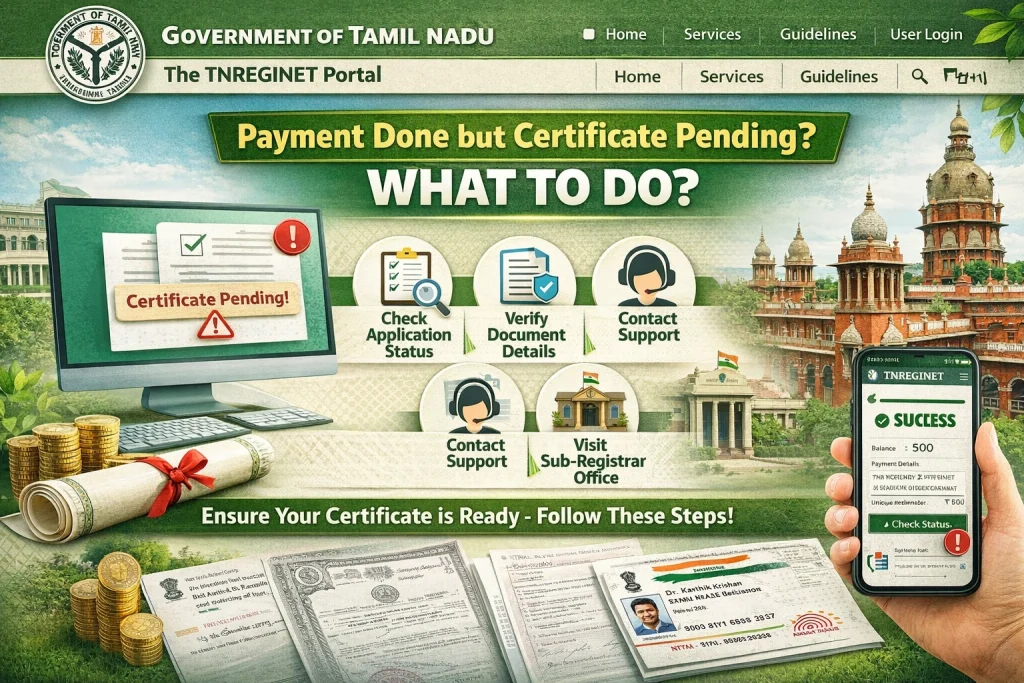
Step 1: Check what you applied for
First, confirm whether you applied for:
a Certified Copy
an online EC application
or you only meant to use the free EC view
This matters because each one follows a different path on TNREGINET. The official homepage itself shows these as separate services.
Step 2: Check the correct Request List
If it is a Certified Copy, the official manual says to check:
E-Services > Certified Copy > Request List.
If it is an online EC application, Housing’s guide says the digitally signed EC can be downloaded from the Request List under the Encumbrance Certificate menu after processing.
Step 3: Check payment status
Housing’s current TNREGINET EC guide says payment status can be checked on the portal through:
E-services > E-Payment > Payment > Payment status.
This is useful when the money is debited but the certificate is still not showing up.
Step 4: Give it a little time
If you paid today or very recently, wait through the normal processing window first. For online EC applications, current guidance says around two to five working days is typical.
Step 5: Keep your payment details ready
Housing notes that after a successful payment, users are given details such as a bank reference number, CIN number, and transaction ID. Keeping these ready can make it easier to track the request or explain the issue if support is needed.
Step 6: Contact support if it stays pending too long
The official TNREGINET site lists helpline numbers for complaints and clarifications, and a software support line as well. The portal shows complaint numbers 9498452110 / 9498452120 / 9498452130 and a software queries helpline 1800 102 5174, along with their support hours.
A quick tip
Do not rush to make the payment again just because the certificate still says pending. The official workflow makes it clear that payment success and document approval/download are two different steps. Repaying too soon can create confusion and make tracking harder.
How long should you wait?
For online EC applications, around two to five working days is a reasonable wait based on current guidance. If the status stays pending beyond that, it is smart to check payment status, open the correct Request List, and then contact support with your transaction details.
FAQs
Final Words
So, if TNREGINET says payment done but certificate pending, it usually means the money was received but the certificate has not yet completed approval or processing. Start by checking the right Request List, confirm payment status, and allow the normal processing time before raising a complaint. If it stays pending too long, use the official helpline numbers and keep your transaction details ready.