How to Find SRO for TNREGINET EC Search Update 2026
If you are trying to check an Encumbrance Certificate on TNREGINET, finding the correct SRO is one of the most important steps. SRO means Sub-Registrar Office, and the right office matters because TNREGINET uses location-based property details for many services. The official TNREGINET portal already gives users a public Know Your Jurisdiction tool with Street Name or Village Name search, which is the easiest starting point when you do not know the correct SRO.
How to Find SRO for TNREGINET EC Search Simple Guide
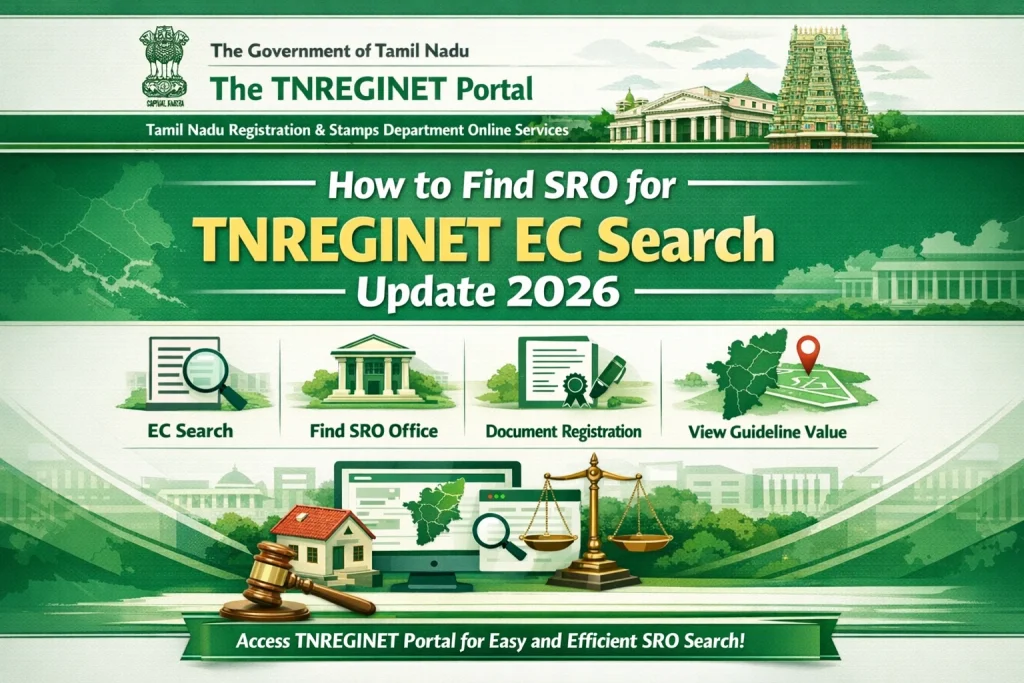
To find the correct SRO for TNREGINET EC search, open the official TNREGINET portal, use Know Your Jurisdiction, enter the street name or village name, and submit the search. Once you get the correct SRO, use that office in your EC search so you do not end up with blank or wrong results. The official homepage shows both Search/View EC and Know Your Jurisdiction together, which makes this the most direct method.
What is SRO in TNREGINET?
SRO stands for Sub-Registrar Office. It is the registration office linked to a particular area or property location. In simple words, your EC search works better when the property is matched with the correct office. Current TNREGINET guidance from third-party explainers also points out that choosing the wrong SRO can stop the correct record from appearing.
You can also read: TNREGINET EC Search: Steps for Finding Old Property Records
How to find SRO for TNREGINET EC search
Step 1: Open the official TNREGINET website
Go to the TNREGINET portal homepage. The public home screen already shows Search/View EC and Know Your Jurisdiction, so you do not need to guess where to start.
Step 2: Click “Know Your Jurisdiction”
On the homepage, look for KNOW YOUR JURISDICTION. The official portal shows two search options there:
Step 3: Enter the location detail you know
If you know the street, type the street name. If you do not know the street, use the village name instead. This is useful because many users know the area name but not the exact office name. The official portal is designed for this exact problem.
Step 4: Submit and note the correct SRO
After you submit, note down the SRO linked to that location. This is the office you should use in your TNREGINET EC search. The portal also uses SRO as a required field in other public property searches, which shows how important it is for getting the right result.
Step 5: Use that SRO in your EC search
Now go back to Search/View EC and continue the EC search with the correct location details. This helps reduce search errors and makes it easier to find the right property record. Third-party TNREGINET guides also recommend using the correct SRO first before doing EC or document searches.
What if you do not know the street name?
That is okay. Use the village name option in Know Your Jurisdiction. The official tool gives both choices, so users are not limited to one search format. This is especially helpful in village and survey-based property searches.
What if you still cannot find the SRO?
If the result is not clear, try:
Current TNREGINET guidance from third-party explainers suggests these are common reasons the jurisdiction search fails the first time.
Quick tip
Do not start EC search by guessing the SRO. Start with Know Your Jurisdiction first. It is faster, simpler, and less likely to give you a “no result” problem later. The portal clearly places this tool on the public homepage for exactly that reason.
FAQs
Final Words
So, if you are asking how to find SRO for TNREGINET EC search, the easiest answer is this: use the official Know Your Jurisdiction tool, enter the street name or village name, get the correct SRO, and then use that office in your EC search. It is the cleanest and most reliable way to avoid mistakes on TNREGINET.