Can You Access TNREGINET From Outside India? Guide for NRIs
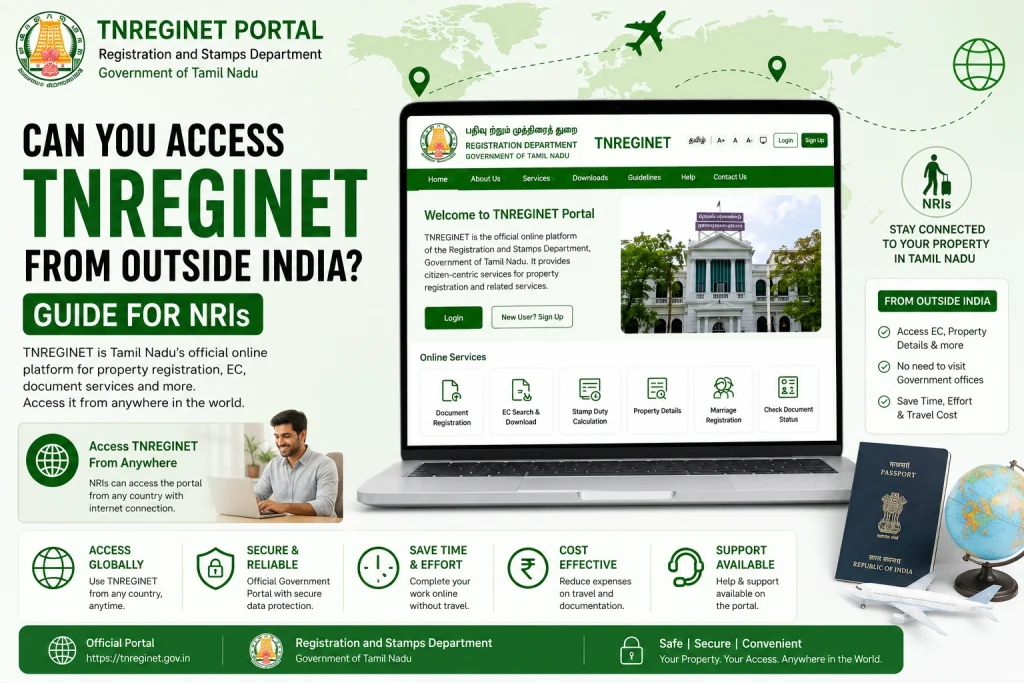
If you live outside India and need to access TNREGINET — Tamil Nadu’s official property registration portal — you may notice that some features, like EC view/download or Document Status, don’t always work. TNREGINET is primarily designed for residents within India, and certain security measures, including OTP verification via Indian mobile numbers, can block access for international users. In this guide, we’ll explain why access is restricted, practical ways NRIs can use TNREGINET, and what limitations you should be aware of.
Why TNREGINET Blocks Access from Outside India
TNREGINET restricts certain services for users accessing the portal from outside India mainly for security and legal reasons. Property records are sensitive, and the system ensures that only authorized users with proper verification (like Indian phone numbers for OTP) can download official documents. This helps prevent:
Even if the site loads from abroad, some features may not work, particularly EC search and download, which rely on OTPs sent to Indian mobile numbers.
You can also read: How to Fix Incorrect EC Details in TNREGINET: Guide (2026)
How NRIs Can Access TNREGINET Safely
If you are an NRI, you can still access TNREGINET services using these steps:
Use a VPN with an Indian IP:
This can allow the portal to recognize your connection as coming from India.
Indian Mobile Number for OTP:
Ensure you have an Indian SIM registered for OTP verification. If you don’t, a trusted local relative or legal representative can help.
Use a Local Representative:
For official EC downloads or certified copies, appoint a power of attorney in Tamil Nadu to request documents on your behalf.
Offline Requests:
Some SROs accept offline EC requests by post or authorized representatives.
Tip: Never share your OTP or login credentials with unknown sources. Always use official TNREGINET portals (tnreginet.gov.in).
Common Issues Faced by Overseas Users
OTP Not Received:
TNREGINET sends OTPs only to Indian numbers; foreign numbers will not receive it.
Page Loading Errors:
Security and IP restrictions can block certain pages.
Document Downloads Fail:
EC and certified copy downloads may fail if accessed from outside India.
Time Zone Confusion:
Some e-services may have timestamp-related errors when accessed from international time zones.
Recommended Workarounds for NRIs
Use a trusted VPN with an Indian server.
Have an Indian phone number or email for verification.
Contact the local Sub-Registrar Office (SRO) for assistance.
Appoint a local power of attorney for offline requests.
Keep all property documents handy (sale deed, patta, survey numbers) to reduce mistakes during online submission.
Important Things to Keep in Mind
FAQs
Final Words
TNREGINET is a powerful tool for property verification in Tamil Nadu, but overseas users may face restrictions due to OTP verification and IP security. NRIs should plan ahead: use Indian mobile numbers, consider VPN access, and appoint a local representative if necessary. Always cross-check online EC results with official documents to ensure safe property transactions.
By following these steps, NRIs can still safely leverage TNREGINET to check property ownership, encumbrances, and document status without compromising legal safety.