How to Fix Incorrect EC Details in TNREGINET: Guide (2026)
An Encumbrance Certificate (EC) from TNREGINET is one of the most important documents for property verification in Tamil Nadu. But sometimes, while viewing or downloading your EC online, you may notice incorrect details — like wrong owner name, survey number, subdivision, or property address. These errors can create problems when selling, buying, or using property documents for legal purposes.
The good news is TNREGINET provides official ways to correct EC errors, and in this guide, we’ll walk you through exactly what to do.
Why EC Details Can Be Incorrect
Even though TNREGINET is the official portal maintained by the Tamil Nadu Registration Department, errors can happen due to:
Tip: Always cross-check the information on your EC with the original sale deed, patta/chitta, and property tax records before applying for corrections.
You can also read: Why Does My EC Download Show Blank Entries Update (2026)?
Step by Step Fix Incorrect EC Details in TNREGINET
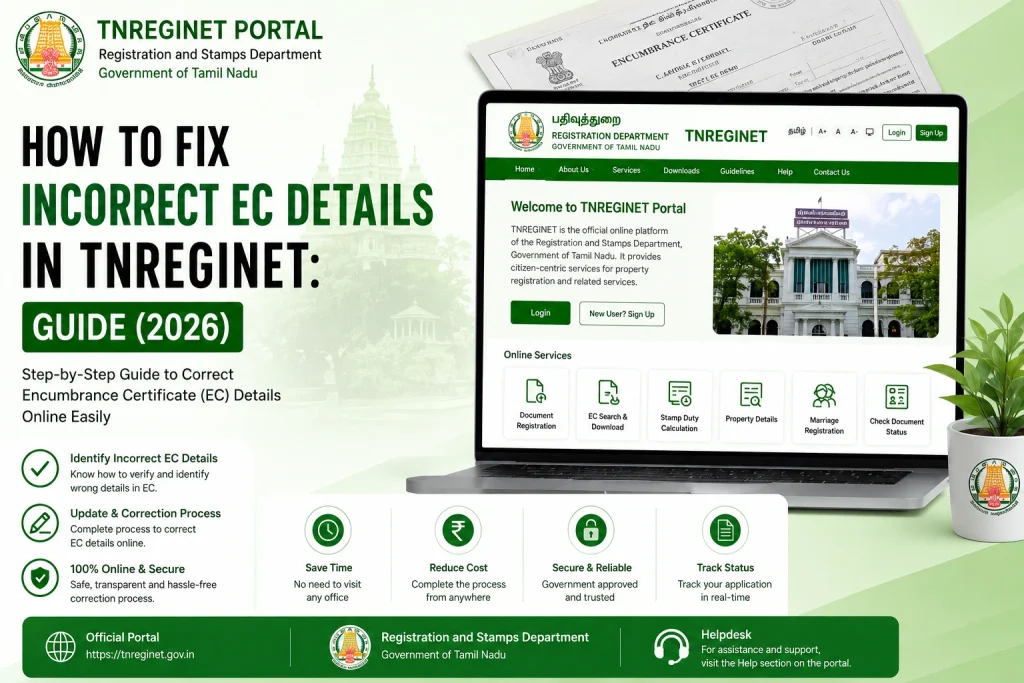
Step 1: Identify the Error Clearly
- requesting a correction, note exactly:
- What is incorrect (owner name, survey number, subdivision, date, deed type)
- Which document or transaction it relates to
- The Sub-Registrar Office (SRO) and village/taluk where the property is registered
- Year or range of EC data affected
- Having this information ready will speed up the correction process.
Step 2: Contact the Sub-Registrar Office (SRO)
- All official EC corrections must go through the Sub-Registrar Office under whose jurisdiction the property falls:
Visit the SRO where the property was registered.
Explain the discrepancy clearly, showing the EC and supporting documents (sale deed, parent deed, patta).
Fill in any forms required by the SRO for correction requests.
Tip: Some SROs allow appointment booking online. Check your SRO details using TNREGINET “Know Your Jurisdiction” feature.
Step 3: Submit Proof of Correct Details
- SRO will require official supporting documents such as:
- Original sale deed or gift deed
- Parent deed (if applicable)
- Patta/Chitta or A-Register extract
- Government-issued ID (Aadhaar, PAN, or passport)
- Without supporting proof, the SRO cannot correct the EC.
Step 4: Request Digitization or Online Update
- Once the SRO verifies the correction:
They will update the EC record in the TNREGINET portal
You may be issued a new digitally signed EC
Some corrections may take 2-5 working days if submitted online or longer if manual verification is needed
Note: Minor errors like spelling mistakes may be corrected faster, but significant changes (like owner name or survey number) may require official deed amendments.
Step 5: Verify the Corrected EC
- After the SRO updates the record:
- Log in to TNREGINET portal
- Go to E-Services → Encumbrance Certificate → Search/View EC
- Enter property details and check that the corrections are reflected
- Download the corrected EC and keep a digitally signed copy for records
Additional Tips to Avoid Future Errors
FAQs
Final Words
Incorrect EC details can be stressful, but TNREGINET provides a clear and official correction process through the Sub-Registrar Office. Always:
Verify your property documents before requesting a correction
Submit all supporting proofs to the SRO
Check the corrected EC online and download a digitally signed copy
By following these steps, you can ensure that your EC records are accurate and reliable, which is crucial for safe property transactions, loans, or legal purposes.