TNREGINET: Auto-Update EC After New Property Registration?
A common question people ask when using the TNREGINET portal is whether the Encumbrance Certificate (EC) updates automatically after a new property registration. In other words, once a sale or transfer is completed, will the EC show that new transaction right away? Let’s break that down in simple terms.
What Actually Happens: EC and Property Registration
The TNREGINET portal is connected to the land and property registration system used by Tamil Nadu’s Registration Department. When a property is registered — meaning the sale deed is completed and accepted — that information enters the official records. In many cases, once that registration is processed:
However, while some updates can show up fast, TNREGINET doesn’t always instantly update the EC automatically in every situation. Here’s why:
You can also read:Common TNREGINET EC Search Mistakes You Should Avoid 2026
Why EC Might Not Update Immediately
Processing Time at the Office
Even though TNREGINET gets data from the registration system, the official updating of records might take time because:
- The Sub‑Registrar Office (SRO) must finalize and verify all entered details.
- Some steps in registration still require manual checks or final approvals before the EC reflects them.
So the EC might not show the new registration immediately on the portal — it may take a few days or longer depending on processing.
Integration With Other Government Systems
In cases where property details must link with revenue records (like patta/chitta), the update might wait until the other department confirms the change — especially if patta details are also involved. Only after full integration within systems does the EC reflect the most current ownership history.
Type of Transaction
If your transaction involves subdivision, new mortgage entries, or complex changes, the portal might not instantly update the EC until all details are processed.
For straightforward transfers (buyer and seller, no change in extent), the system is more likely to reflect the new owner sooner.
How to Check If EC Is Updated
Here is how to see whether your EC has updated after registration:
Wait a few days after your registration is completed.
Log in to the TNREGINET portal.
Go to Encumbrance Certificate → Search/View EC.
Enter your survey number or document number and the date range including the latest transaction.
If the update is complete, you’ll see your recent sale or transfer reflected in the EC results.
If your new transaction doesn’t appear:
Quick Summary
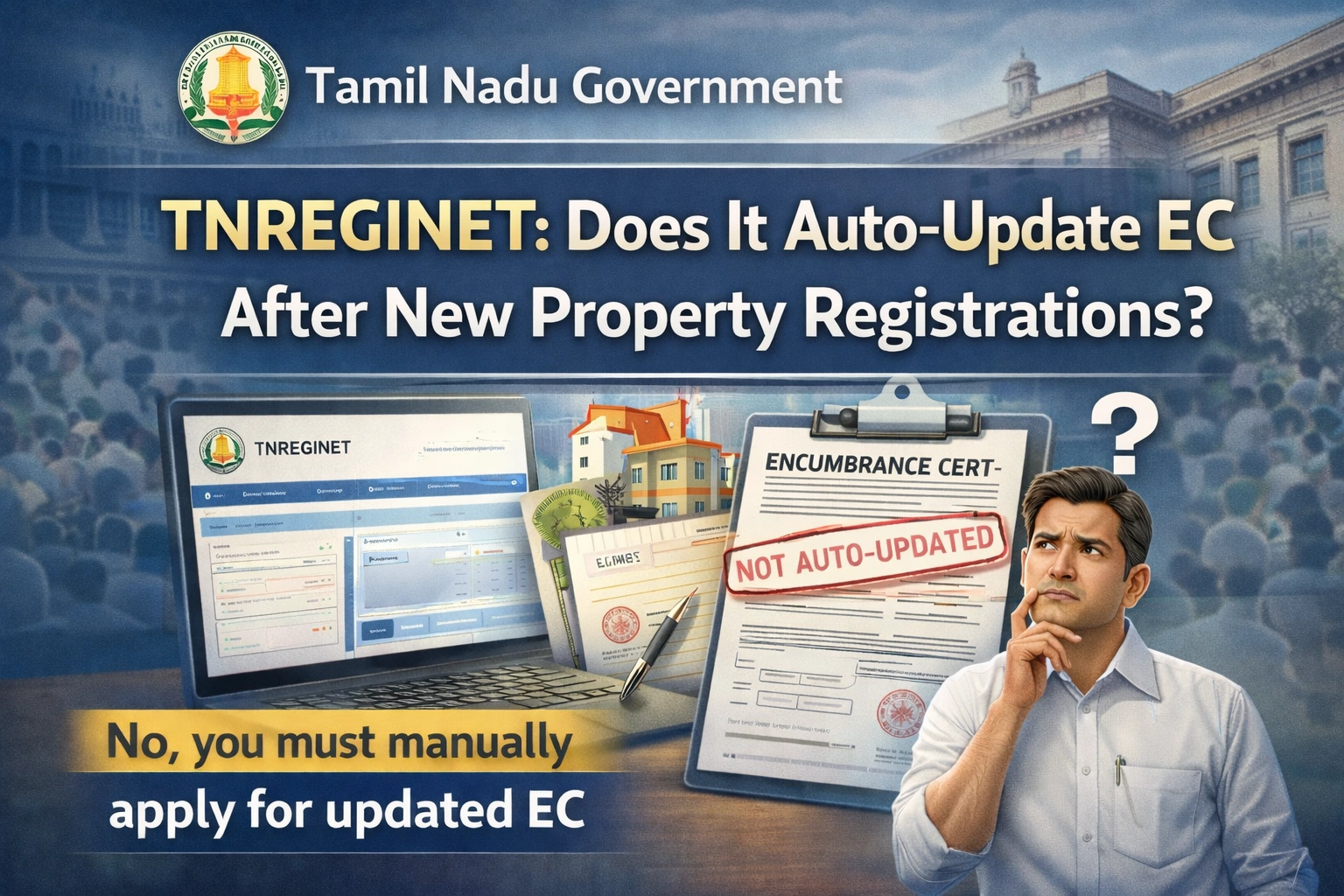
Yes, TNREGINET can reflect new property registrations in the EC.
No, it does not always update EC instantly in every case.
Simple sales without subdivision are more likely to appear quickly online.
Complex changes or pending processing can delay the update.
If the EC still doesn’t show the latest transaction after a reasonable time, check with the Sub‑Registrar Office — they can confirm whether the update has been completed in the system.
FAQs
Final Words
While TNREGINET often updates the Encumbrance Certificate quickly after a new property registration, it’s not always automatic or instantaneous. The update depends on how the registration was processed, whether there are complex changes, and how quickly the registration data syncs across government systems. When in doubt, checking with your local Sub‑Registrar Office is a reliable way to confirm the latest status.