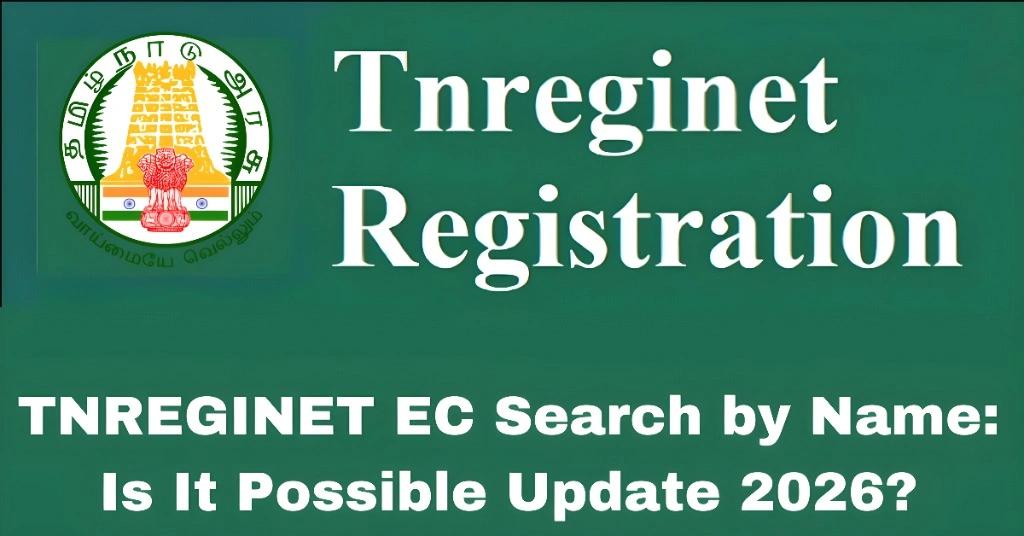
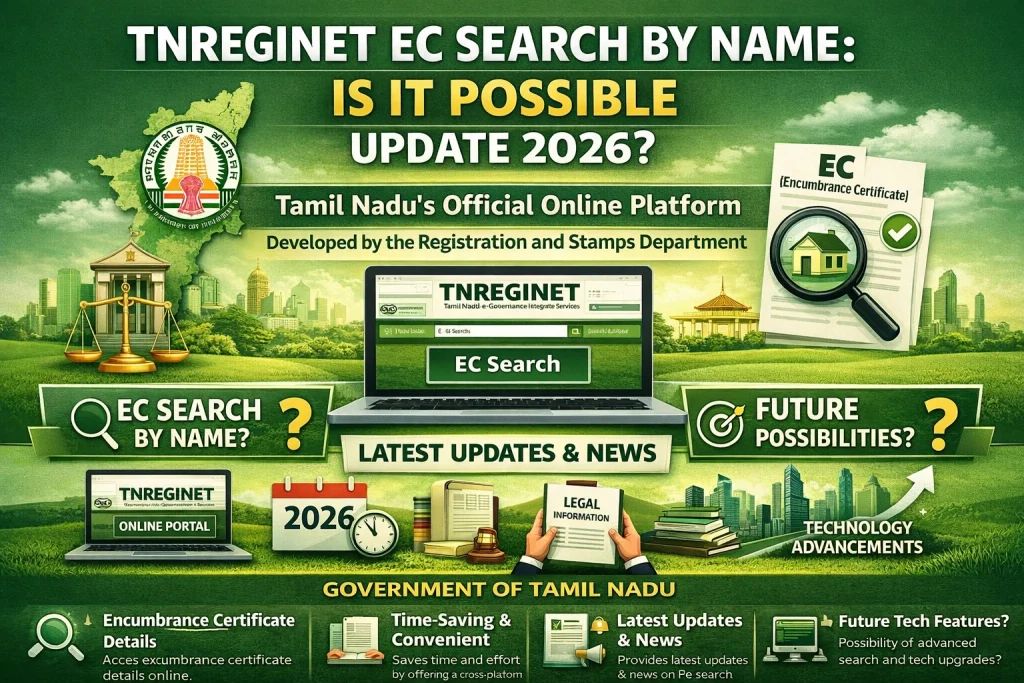
TNREGINET EC Search by Name: Is It Possible Update 2026?
If you are asking whether TNREGINET lets you find an Encumbrance Certificate by typing only a person’s name, the answer is usually no in the practical sense. Most current TNREGINET EC search flows are based on property or document details, not just a simple owner-name search. In most guides, users are asked for details like zone, district, Sub-Registrar Office, village, survey number, document number, and date range before they can search properly.
So, if all you have is a name, you may not get far right away.
But that does not mean you are stuck.
In many cases, you can still find the EC record if you first collect the right property details and then search the correct way on TNREGINET. The official portal already gives users access to free EC viewing, a jurisdiction finder, and guideline value search, which can help you move from “just a name” to the details needed for a proper search.
Required Documents
A TNREGINET EC search by name only is not the most reliable or standard method.
A better way is to search using:
That is how current TNREGINET guides explain the process, and it matches how the public portal is structured today.
Why people try to search EC by name
This is very common.
Most people start with a name because that is the only detail they have. Maybe:
That makes sense. A name feels like the easiest starting point.
The problem is that property records are usually easier to trace with land details or registered document details, not just a personal name. If the spelling is different, the name changed after registration, or multiple people have similar names, a name-based search can become messy very quickly.
What should you use instead of name?
If your goal is to get the correct EC faster, try to collect one or more of these details first:
Survey number
This is often the best option for land searches, especially for plots and rural property. Current TNREGINET guides specifically describe EC lookup using survey details.
Document number
If you have an old sale deed, settlement deed, gift deed, or mortgage paper, the document number can make the search much easier. Competitor guides commonly include document number as a core EC input.
Village and Sub-Registrar Office
The official TNREGINET portal includes a Know Your Jurisdiction tool. That matters because choosing the wrong SRO can lead to wrong results or no results at all.
Correct date range
Housing’s TNREGINET guide shows that EC search requires a start date and related property details. If the date range is too narrow, you may miss older entries.
How to search EC on TNREGINET when you only know the name
Here is the practical method.
Step 1: Start with the name, but do not stop there
Use the person’s name to gather supporting details from:
The name is your clue, not your final search key.
Step 2: Find the correct area and SRO
Go to the official TNREGINET portal and use Know Your Jurisdiction if you know the street name or village name. This helps you identify the right office before searching the EC.
Step 3: Search EC using property or document details
Once you have the location details, use the EC search flow with the available property information. Current TNREGINET guides describe the search using zone, district, SRO, village, survey number, document number, and date range.
Step 4: Check the names shown in the result carefully
After the result appears, compare the name in the EC with the name in Patta or other ownership papers. Housing notes that a mismatch between EC and Patta details may need further clarification before purchase.
What if TNREGINET does not show results?
Do not panic.
A blank result does not always mean the property has no history. In many cases, the problem is one of these:
That is why a name-only approach often fails. The search becomes much better once you verify the location and document inputs first. Current TNREGINET guides repeatedly lean on property-detail-based searching for exactly this reason.
A quick tip that saves time
Before doing the EC search, use the portal’s public tools in this order:
Know Your Jurisdiction
Gather survey number or document number
Run EC search with a wider date range
Cross-check the result with Patta or title papers
This is much smarter than typing only a name and hoping the right property appears.
FAQs
Final Words
So, is TNREGINET EC search by name possible?
Not as a simple, reliable name-only search in the way most people expect.
The better answer is this: you can start with a name, but you usually need property details like survey number, document number, village, SRO, and date range to find the correct EC record on TNREGINET. That is the practical method most current guides follow, and it fits the way the portal is presented today.