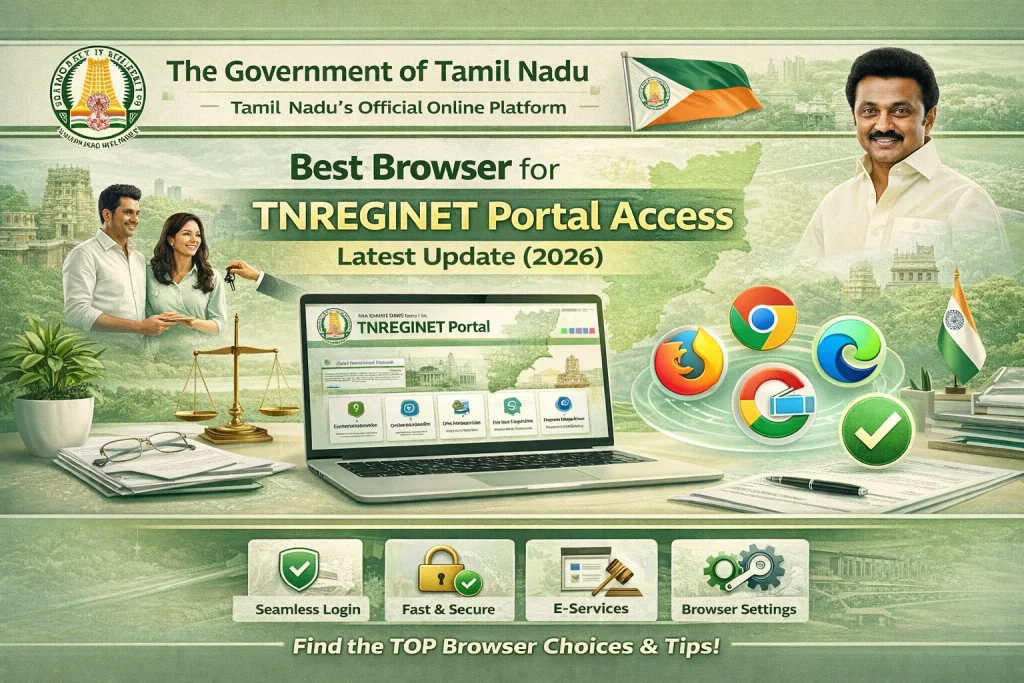
Best Browser for TNREGINET Portal Access Latest Update (2026)
If you want the simple answer, here it is: use Google Chrome first. If TNREGINET still acts weird, switch to Microsoft Edge. Chrome is the easiest option for most users because TNREGINET depends on JavaScript and modern browser features, while Edge has a big advantage for older government-style websites because Microsoft still offers Internet Explorer mode inside Edge for sites that need legacy compatibility.

The best browser for TNREGINET
For most users, Google Chrome is the best browser for TNREGINET. It is the easiest first choice for login, EC view, guideline value search, and general portal use because TNREGINET’s current homepage requires JavaScript, and Chrome handles that kind of modern web behavior well. Also, many current TNREGINET help-style pages point users toward Chrome, Firefox, or Edge when troubleshooting portal issues, which fits the practical pattern people are already using.
You can also read: How to Check Digital Signature on TNREGINET PDF Update (2026)
Why Microsoft Edge is the best backup
If Chrome does not work properly, Microsoft Edge is the smartest backup. The reason is simple: Microsoft officially supports Internet Explorer mode in Edge for sites that were built with older IE-style behavior in mind. That matters because an older TNREGINET user guide still shows the portal as “Best Viewed in Internet Explorer 10.0 and above”, which is a strong sign that some parts of the system may still behave like a legacy web application. So if TNREGINET loads badly, buttons do not respond, or forms behave oddly, Edge is usually the next browser to try.
What about Firefox?
Firefox can work, but I would not make it the first recommendation for TNREGINET. Some troubleshooting-style TNREGINET pages include Firefox among the browsers users can try, but they do not present it as the clear best option. Since TNREGINET shows both a modern JavaScript requirement and signs of older legacy compatibility, Chrome and Edge are the safer choices to test first.
What about mobile browsers?
Mobile browsers may work for simple checks, but for anything important, desktop is safer. TNREGINET is form-heavy, uses captcha, login, downloads, and service menus, and older TNREGINET materials even mention a desktop-style screen resolution of 1366 × 768. That does not prove mobile cannot work, but it does suggest the portal was designed with desktop use in mind. So for registration, certificate download, payment, or document-related tasks, a laptop or desktop browser is the safer option.
Why this browser question matters on TNREGINET
This is not just a random preference issue. TNREGINET’s official homepage actively warns users that JavaScript must be enabled, and older TNREGINET material still points back to Internet Explorer-era compatibility. That means the portal sits in an awkward middle zone: it needs modern scripting support, but some parts may still behave like an older system. That is exactly why Chrome first, Edge second is the best practical advice.
Best browser order to try
Use this order:
That order is an inference based on TNREGINET’s current JavaScript requirement, its older IE-era compatibility note, and Microsoft’s official IE mode support in Edge.
If TNREGINET is not working in your browser
Try these easy fixes before giving up:
These steps line up with TNREGINET’s live JavaScript warning, Microsoft’s IE-mode guidance for legacy sites, and the troubleshooting advice repeated across current TNREGINET help pages.
Official TNREGINET support
If the portal still does not work, TNREGINET’s official homepage lists support contacts for users. It shows complaint and clarification numbers 9498452110 / 9498452120 / 9498452130 and a software-query helpline 1800 102 5174. An older TNREGINET user-registration guide also lists 044-24640160 and helpdesk@tnreginet.net.
FAQs
Final Words
So, which browser is best for TNREGINET? Google Chrome is the best overall choice. Microsoft Edge is the best backup. That is the most honest answer based on what is publicly visible today.
TNREGINET’s live site clearly needs JavaScript, but older TNREGINET material still points to Internet Explorer-era design. Because Edge has official IE mode, it gives you the best fallback when the portal behaves like an older government website.