TNREGINET: How to Get a Certified EC for Legal Use 2026
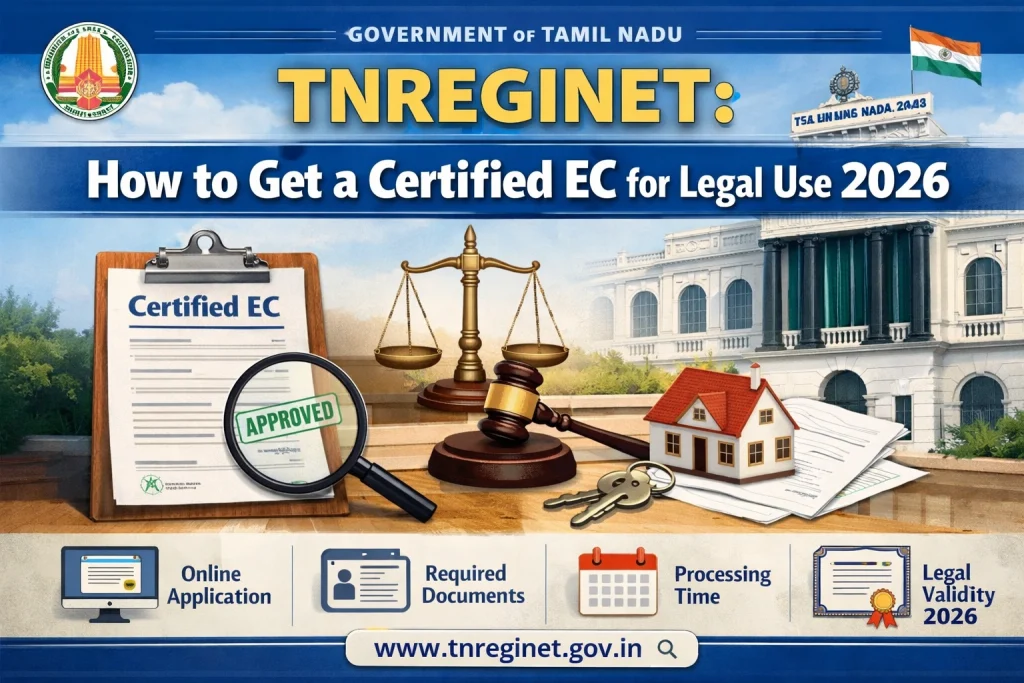
An Encumbrance Certificate (EC) is an essential document used in property transactions to show whether the property has any legal or financial encumbrances such as loans, mortgages, or other claims. While you can easily view the EC for free on the TNREGINET portal, a certified EC is required for legal purposes, such as property registration, loan applications, or court proceedings.
Here’s how to get a certified EC from TNREGINET for legal use.
Step-by-Step Process to Obtain a Certified EC from TNREGINET
Step 1: Visit the TNREGINET Portal
Go to the official TNREGINET website: https://www.tnreginet.gov.in.
Step 2: Log into Your Account
Enter your Username and Password to log in. If you don’t have an account, click on the “Sign Up” option and register.
Ensure that you have completed your account registration before proceeding with the EC request.
Step 3: Navigate to the EC Section
On the homepage, under the “Encumbrance Certificate (EC)” section, select “EC View”.
You’ll be directed to the page where you can search for your EC by entering the required property details.
Step 4: Provide Property Details
Enter the following information about the property: District
Sub-Registrar Office
Property Type (e.g., land or building)
Survey Number or Document Number
These details should match exactly with the records available in the TNREGINET system to avoid discrepancies.
Step 5: Select the Date Range
Choose the start date and end date for the period you want the EC to cover. If you need the EC for a specific period, be sure to enter the correct years. Tip: Ensure that the period you select matches the transaction dates for your property.
Step 6: Request the Certified EC
After entering the required details, click “Submit” or “View”.
Once the EC for that period is displayed, look for the option to “Download Certified EC”. This will require a fee. Note: The certified EC is different from the free viewable EC. A certified EC has an official stamp and is valid for legal use.
Step 7: Make the Payment for Certification
After submitting the request for a certified EC, you will be directed to a payment gateway to pay the required fee.
TNREGINET accepts payment via credit card, debit card, net banking, or UPI.
The fee varies depending on the type and duration of the EC you are requesting. Ensure to confirm the exact fee on the portal before proceeding with the payment.
Step 8: Download the Certified EC
After making the payment, you can download the certified EC in PDF format.
The document will be officially stamped and ready for use in legal proceedings such as property registration, loan applications, or disputes.
You can also read:Troubleshooting TNREGINET Login Errors and Captcha Issues
What is a Certified EC and Why Do You Need It?
A certified EC is an official version of the Encumbrance Certificate, attested by the authorities at the Sub-Registrar’s office. It is legally valid and used as evidence in property transactions, including:
This document is required because it provides proof of the ownership and encumbrances on a property for the specified period.
Tips for Getting a Certified EC
Verify Property Details: Ensure you enter accurate property details (like survey number, document number, and district) to avoid errors in your EC.
Use Updated Browsers: For a smoother experience, use the latest version of Google Chrome or Mozilla Firefox when accessing TNREGINET.
Double-Check the Payment: Before making payment for the certified EC, check the exact fee for the certification and the duration of the requested EC.
Secure Your Document: Once you download the certified EC, make sure to keep a backup copy and store it safely, as this document may be needed for future legal or financial processes.
Alternative Method: Requesting EC at Sub-Registrar Office
If you are unable to get a certified EC online or face technical issues, you can also request a certified copy from the Sub-Registrar Office where the property is registered. Here’s how:
Visit the Sub-Registrar Office with the necessary property documents (sale deed, property tax receipts, etc.).
Fill out the request form for the EC.
Pay the required fee for the certified EC.
The Sub-Registrar will process your request and provide the certified EC, typically within a few working days.
FAQs
Final Words
Getting a certified EC from TNREGINET is a straightforward process that ensures you receive an officially recognized document for legal use. Whether for property transactions, bank loans, or legal disputes, the certified EC is a crucial document. By following the steps outlined above and paying the necessary fee, you can easily obtain a certified EC and proceed with your property-related legal processes.
If you encounter any issues, don’t hesitate to reach out to TNREGINET support or visit your Sub-Registrar Office for assistance.